Home Blog Page 108

Blueprint Effect | Photoshop Tutorial

0

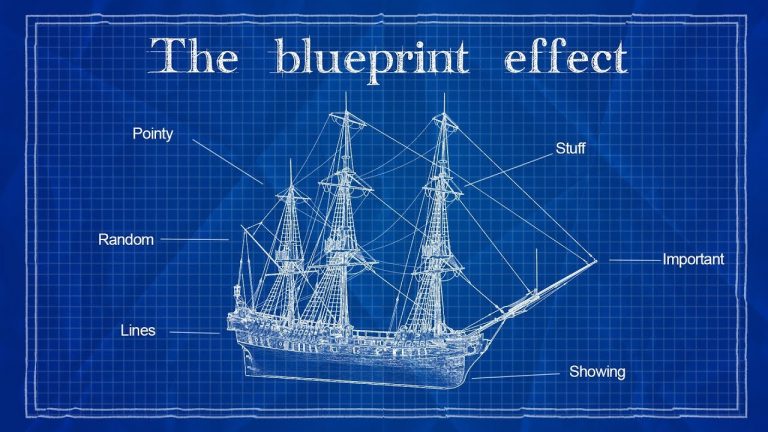
In this video tutorial we will see how to do popular blueprint effect using photoshop.

Best part is that after trying it few times i was able to create entire effect non destructively. That means you can do this photo effect, save your photoshop project and then make changes anytime you want.

Its pretty standard photo effect which can be followed by anyone, even if you are beginner at photoshop.

I also included a segment where i am showing how to use displacement map and paper texture to make it more interesting and believable.

I really hope you enjoy this photo effects tutorial and if you have questions or suggestions ask me in comments below.

Subscribe to Tutorials junction: http://bit.ly/1Q8u7Op

FOLLOW
Instagram: https://www.instagram.com/tutorialjunction
Facebook: https://www.facebook.com/tutorialsjunction

DOWNLOAD Images, Fonts and Texture
http://bit.ly/2gNY0Kw

zdroj: YouTube
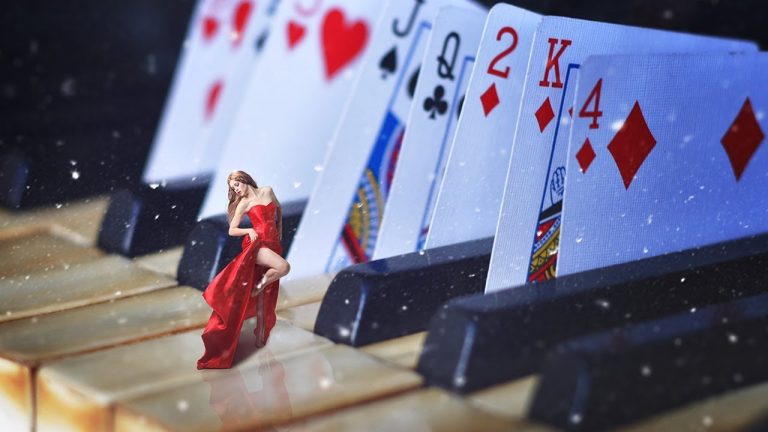
Miniature effect | Photoshop Tutorial

0

In this video i ll show you how to create miniature effect using photoshop.

any miniature effect is basically a compositing tutorial but the main difference is selection of images.

i will also show you a trick to use shadows from your original image and save a lot of time. we will also see how to add particles that look realistic and not just an overlay.

And also some color correction to match subject with background.

I really hope you enjoy this photo effects tutorial and if you have questions or suggestions ask me in comments below.

Subscribe to Tutorials junction: http://bit.ly/1Q8u7Op

FOLLOW
Instagram: https://www.instagram.com/tutorialjunction
Facebook: https://www.facebook.com/tutorialsjunction

Model Stock ‘Valentine 19’ provided by ‘faestock’
https://faestock.deviantart.com/

DOWNLOAD links to Images and Texture
http://bit.ly/2A3nAmy

zdroj: YouTube

Color Double Exposure | Photoshop Tutorial

0

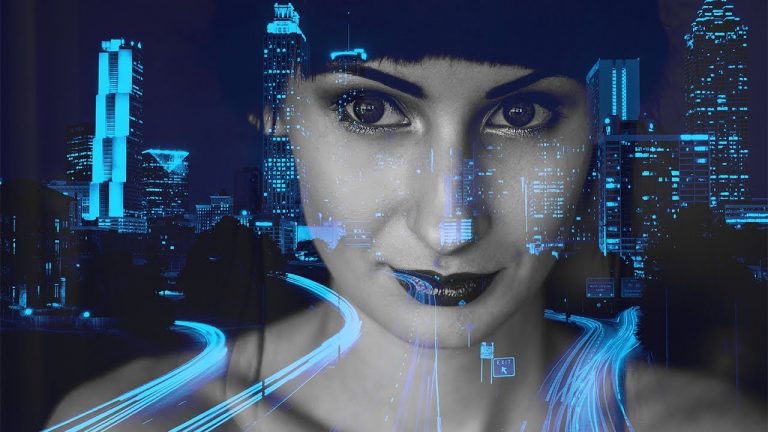
in this video we will see how to create color double exposure effect using photoshop.

pretty simple photo effect, anyone can do it and looks pretty cool too.

a lot of chances for doing experiments and using this photo effect you can create many different variations of double exposure.

Pretty simple logic here, keep background picture black and white and keep the overlay picture in a single color tone.

Keeps the effect simple yet giving it solid contrast and color.

I really hope you enjoy this photo effects tutorial and if you have questions or suggestions ask me in comments below.

Subscribe to Tutorials junction: http://bit.ly/1Q8u7Op

FOLLOW
Instagram: https://www.instagram.com/tutorialjunction
Facebook: https://www.facebook.com/tutorialsjunction

DOWNLOAD links to Images
http://bit.ly/2B28Nbu

zdroj: YouTube

How to Create Letter Portrait | Photoshop Tutorial

0

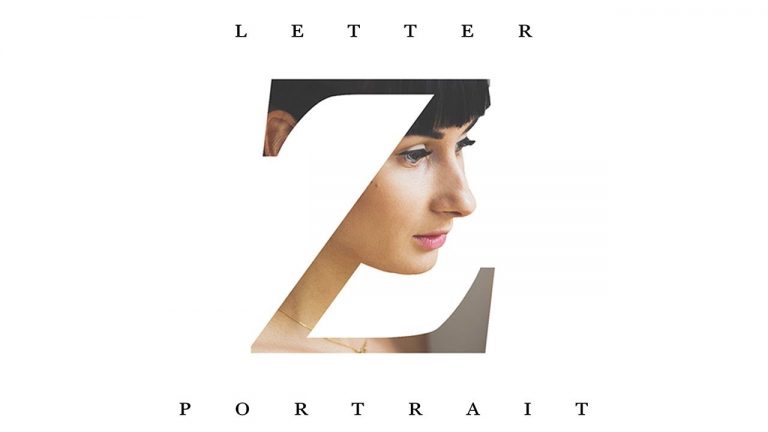
In this photoshop tutorial we will see text portrait style effect. But the main difference is that instead of insane amount of messy text, all we will use is just single letter and attach a portrait with it.

Really simple process once you understand how to do it, anyone can follow it and it works everywhere if you pick proper font and pictures.

I have shown two different styles and two different methods of creating it. and once you understand first one, the second becomes even simpler.

The font i used in the effect are default in photoshop so you won’t have to download it.

I also had couple different samples that i created which i put at the end of the photo effect.

I really hope you enjoy this photo effects tutorial and if you have questions or suggestions ask me in comments below.

Subscribe to Tutorials junction: http://bit.ly/1Q8u7Op

FOLLOW
Instagram: https://www.instagram.com/tutorialjunction
Facebook: https://www.facebook.com/tutorialsjunction

DOWNLOAD links to Images
http://bit.ly/2AASDKc

zdroj: YouTube

How to Create Grime Effect | Photoshop Tutorial | Zombie Edit

0

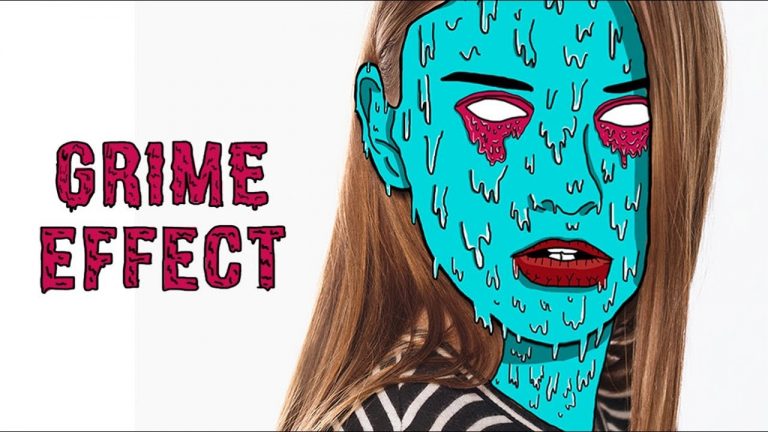
Also known as zombie effect, grime effect is very popular photo effect.
i very famous on sites like tumblr and pinterest.

The thing about his effect is that process is really easy and for entire
effect all you need is brush tool. But, and its a really big but coz
this photo effect demands real patience if you wanna do it good.

First we will create outlines, then we will add details and then the we
will color different parts of the face. once all of that is done, we
will add highlights and shadows and thats it.

really simple but lengthy process, but i think its worth it because final
effect looks really catchy and attractive.

so i really hope you learned something from this video and if you did
hit that like button and if you have any questions about photoshop
ask me in comments below 🙂

Subscribe to Tutorials junction: http://bit.ly/1Q8u7Op

FOLLOW
Instagram: https://www.instagram.com/tutorialjunction
Facebook: https://www.facebook.com/tutorialsjunction

Download image:
http://bit.ly/2iIbD2c

zdroj: YouTube

Add a Warm Glow to Your Photos in Photoshop

0

Capture the orange shades of the changing autumn leaves or the inviting yellows of the summer sun with this easy technique to colorize your photos.
**Download the Sample Image Here: https://phlearn.com/tutorial/add-warm-glow/

We’ll get you familiar with the Gradient Tool and Gradient Maps but first you need to choose the right kind of photo for this effect.

We recommend using a picture that is mostly backlit to ensure that the glow and coloring look as realistic as possible. If you use a photo that is primarily front lit, the effect will still work but it will look much less natural.

VISIT PHLEARN.COM FOR MORE FREE TUTORIALS

Homepage

SUBSCRIBE NOW FOR MORE FREE TIPS AND TRICKS
http://www.youtube.com/subscription_center?add_user=phlearnllc

LET’S BE FRIENDS!
Instagram â–º https://www.instagram.com/phlearn/
Facebook â–º https://facebook.com/phlearn
Twitter â–º https://twitter.com/phlearn
Google+ â–º https://plus.google.com/116791098059215639405
Phlearn â–º https://phlearn.com

4 Creative Ways To Use Masks For Text | After Effects Tutorial

0

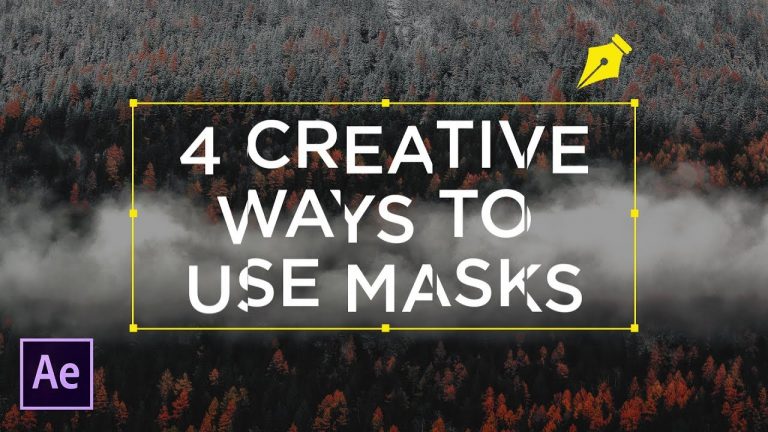
After Effects is a fantastic composting tool, known for it’s effects and for it’s powerful interface that makes stacking layers easy. Also, After Effects is the number choice of software when it comes to motion graphics. So, in this tutorial, we look at the pen tool and other masking tools that compositors heavily use. We will use these tools to composting tools for motion graphics. Here are 4 ways to use masks for text layer in After Effects!

Like the music? Get your royalty free music at Artlist.io.
http://bit.ly/2t7xrrP

Social Media:
Drop a like on Facebook: https://www.facebook.com/sonduckfilm
Hit me up on Instagram: http://instagram.com/sonduckfilm
Follow me on Twitter: https://twitter.com/SonduckFilm
Connect with me on Linkedin: https://www.linkedin.com/in/joshnoel

Visit our website https://www.sonduckfilm.com for more tutorials, giveaways and film and photo gear!

After Effects Tutorial: How to Pull Someone Into Another World

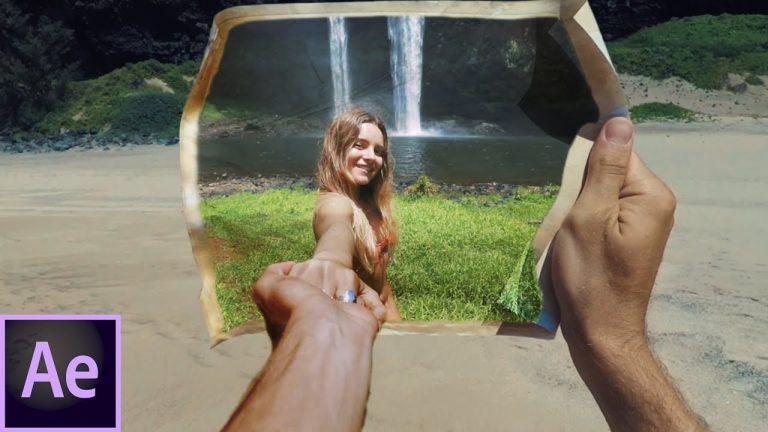
Hello Colin Ross here with an Adobe after effects tutorial on pulling someone into another world. I took the shot from Amir Zakeri’s new 2017 POV edit and made a tutorial on the basic effects of the shot (watch it here https://www.instagram.com/p/BYHEuYNDxlW/ ) . If someone want’s a more in depth tutorial on more basic after effects training things comment below and let me know. This video should show you how it is possible to pull someone into another world or location with after effects. Part of the adobe creative cloud 2017. Adobe cc 2017.

Equipment:
RX100 wind screens: http://amzn.to/2ofhlq1
His Drone: http://amzn.to/2o32oKo
My Drone: http://amzn.to/2nynZtG
Small Camera: http://amzn.to/2nzel9I
Medium Camera: Panasonic G7: http://amzn.to/2nlsQxQ
Speedbooster: http://amzn.to/2ofrTFt
Main Lense: http://amzn.to/2ox4mzf
Favorite Lense: http://amzn.to/2pWko6G
Big Camera: Blackmagic Mini Ursa: http://amzn.to/2nrKRst
Lense: The Panasonic Lumix 20mm f1.7 Mk2
Panasonic 14-42/3.5-5.6 ASPH. MEGA O.I.S.
Software: Adobe Premiere Pro CC 2015
After Effects CC 2015

After Effects Tutorial: Crazy Bubble Blowing Transition

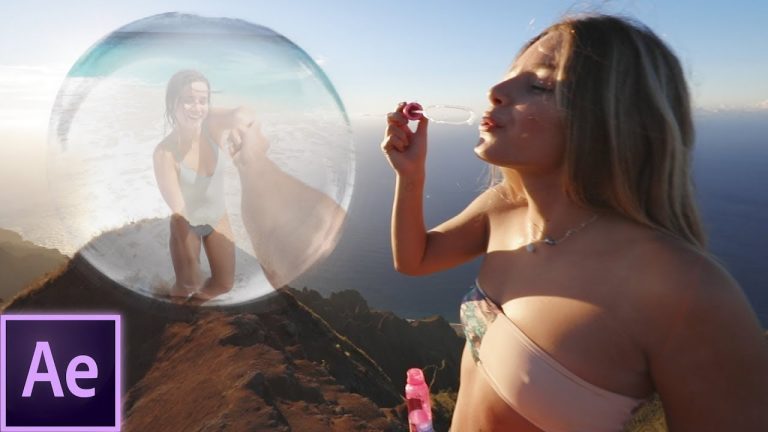
Hello Colin Ross here with an Adobe after effects tutorial on a crazy bubble blowing transition. I took the shot from Amir Zakeri’s new 2017 POV edit and made a tutorial on the basic effects of the shot. If would like a more in depth tutorial on more basic after effects training things comment below and let me know. This video should show you how it is possible to make a bubble transition in after effects where you go from one scene to the next. Part of the adobe creative cloud 2017. Adobe cc 2017.

After effects project file: https://www.mediafire.com/file/2qwqkha7gs2xb72/Bubble%20tutorial.zip

Equipment:
RX100 wind screens: http://amzn.to/2ofhlq1
His Drone: http://amzn.to/2o32oKo
My Drone: http://amzn.to/2nynZtG
Small Camera: http://amzn.to/2nzel9I
Medium Camera: Panasonic G7: http://amzn.to/2nlsQxQ
Speedbooster: http://amzn.to/2ofrTFt
Main Lense: http://amzn.to/2ox4mzf
Favorite Lense: http://amzn.to/2pWko6G
Big Camera: Blackmagic Mini Ursa: http://amzn.to/2nrKRst
Lense: The Panasonic Lumix 20mm f1.7 Mk2
Panasonic 14-42/3.5-5.6 ASPH. MEGA O.I.S.
Software: Adobe Premiere Pro CC 2015
After Effects CC 2015

Music by order:

Adobe After Effects Intro Tutorial: 3D Motion Tracking Vlog Intro

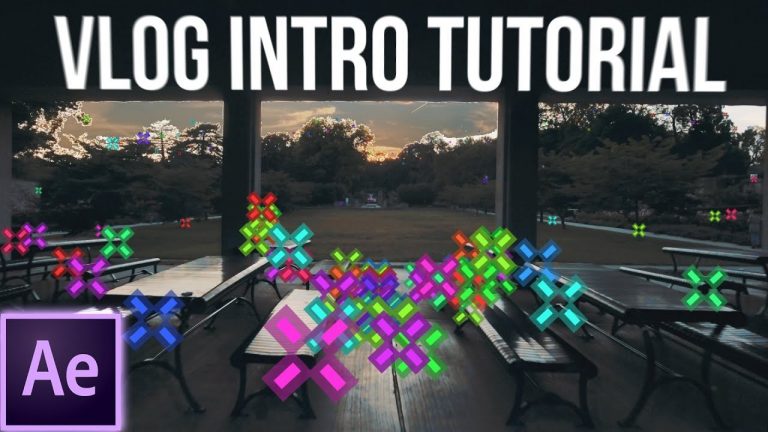
Today’s adobe after effects tutorial is all about 3d motion tracking an intro shot for your vlog or series. I show you how to move through text in 3d space in after effects and demonstrate the after effects environment for working in 3d. Part of the adobe creative cloud 2017. Adobe cc 2017. After effects template is below.

Project File: http://www.mediafire.com/file/gko053ni6bxlret/Intro_Tutorial.zip

Colin Ross. Colin. Ross. —Trying to improve my SEO (losing to a dude)

Equipment:
My Camera: http://amzn.to/2ijSHFQ
His Drone: http://amzn.to/2o32oKo
My Drone: http://amzn.to/2nynZtG
Small Camera: http://amzn.to/2nzel9I
Medium Camera: Panasonic G7: http://amzn.to/2nlsQxQ
Speedbooster: http://amzn.to/2ofrTFt
Main Lense: http://amzn.to/2ox4mzf
Favorite Lense: http://amzn.to/2pWko6G
Big Camera: Blackmagic Mini Ursa: http://amzn.to/2nrKRst
Lense: The Panasonic Lumix 20mm f1.7 Mk2
Panasonic 14-42/3.5-5.6 ASPH. MEGA O.I.S.
Software: Adobe Premiere Pro CC 2015
After Effects CC 2015