Home Blog Page 386

Remove Glasses Digitally in Photoshop! Retouching Tutorial

0

Check out another of my videos: “BREAKDOWN: Select and Mask vs. Refine Edge – Photoshop CC”

-~-~~-~~~-~~-~-

FULL LENGTH TUTORIAL: http://www.tutvid.com/tutorials/photoshop/tutorials/removeGlasses.php

In this video we will take a look at a very special way to remove an element from an image. In case we will be removing a pair of glasses from this young woman’s face and it the process rebuilding parts of her eyes as well as doing some heavy retouch work to the face in general.

Twitter! http://www.twitter.com/tutvid
Be sure to check out http://www.tutvid.com
Check out the blog @ http://tutvid.wordpress.com
CSS Classes and Styling Images: Dreamweaver CS3 Tutorial

0

Check out another of my videos: “BREAKDOWN: Select and Mask vs. Refine Edge – Photoshop CC”

-~-~~-~~~-~~-~-

Check this video out at Hi-Res here: http://www.tutvid.com/tutorials/dreamweaver/tutorials/cssAndImages.php

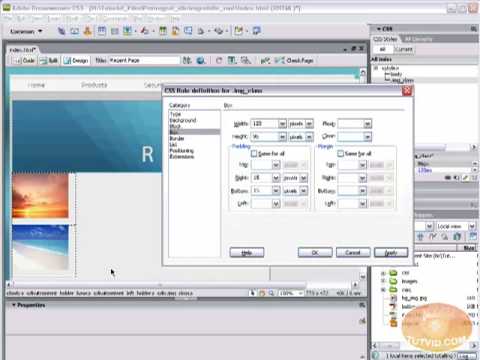
In this video we will cover CSS classes and the creation and application of them. We will apply page-wide class styles as well as being a bit more specific with the selectors we use. Great for beginners and Intermediates alike! Please check out the site http://www.tutvid.com

Flash Tutorial: Dynamically Load External Images SWFs AS3

0

Check out another of my videos: “BREAKDOWN: Select and Mask vs. Refine Edge – Photoshop CC”

-~-~~-~~~-~~-~-

Model: Beatriz Brazil
Website: http://beatrizbrazil.weebly.com/gallery.html

Check her out guys! A big thank you to Beatriz for the images!

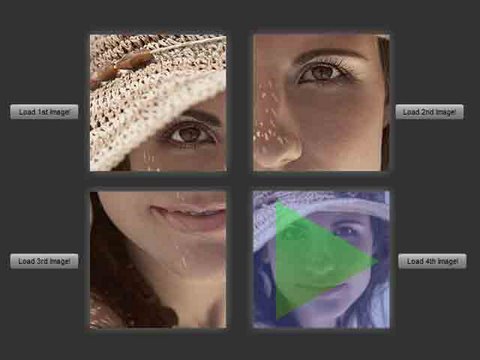
Welcome to this tutorial! Today we are going to take a look at Loading Images and SWF files that are not actually in your Flash document dynamically using Actionscript 3.0.

This can be especially useful if you are creating a website or gallery with a lot of content as it gives your website user control over what actually gets loaded. Enjoy!

Twitter! http://www.twitter.com/tutvid
Be sure to check out http://www.tutvid.com
Check out the blog @ http://tutvid.wordpress.com

Photoshop CS4: Simple Movie Poster

0

Check out another of my videos: “BREAKDOWN: Select and Mask vs. Refine Edge – Photoshop CC”

-~-~~-~~~-~~-~-

This is one of the tutorials found in the May-June 2009 Tutvid.com newsletter.
Subscribe to the newsletter here: http://tutvid.com/newsletter/index.php

Check out the May-June newsletter here: http://tutvid.com/newsletter/issues/tutvidMayJune09.pdf

Twitter! http://www.twitter.com/tutvid
Be sure to check out http://www.tutvid.com
Check out the blog @ http://tutvid.wordpress.com
CSS Styling Links: Dreamweaver CS3 Tutorial

0

Check out another of my videos: “BREAKDOWN: Select and Mask vs. Refine Edge – Photoshop CC”

-~-~~-~~~-~~-~-

Check this video out at Hi-Res here: http://www.tutvid.com/tutorials/dreamweaver/tutorials/cssClassesAndLinks.php

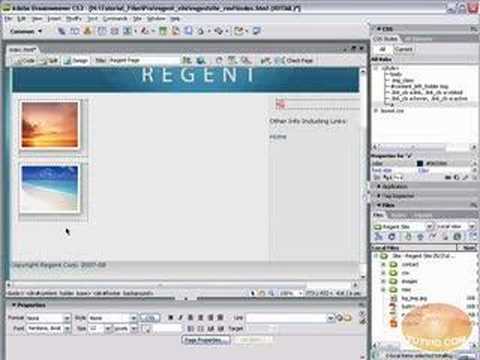
This video will cover using advanced selectors and classes alike to style your links and create rollovers and lots of other little tips and tricks! Have fun with this one! Please check out the site http://www.tutvid.com

[HD] Working With Flash Video in Flash CS4

0

Check out another of my videos: “BREAKDOWN: Select and Mask vs. Refine Edge – Photoshop CC”

-~-~~-~~~-~~-~-

Twitter! http://www.twitter.com/tutvid
Be sure to check out http://www.tutvid.com
Check out the blog @ http://tutvid.wordpress.com

In this video we take a brief look at some of the basics of working with Flash Video. WE convert to the FLV format, learn some way of transforming the video, including, using the new 3d Rotate tool, we also make a simple stop and play button setup. Enjoy!

Photoshop CS4: Simple Movie Poster Part 2.

0

Check out another of my videos: “BREAKDOWN: Select and Mask vs. Refine Edge – Photoshop CC”

-~-~~-~~~-~~-~-

This is one of the tutorials found in the May-June 2009 Tutvid.com newsletter.
Subscribe to the newsletter here: http://tutvid.com/newsletter/index.php

Check out the May-June newsletter here: http://tutvid.com/newsletter/issues/t…

Twitter! http://www.twitter.com/tutvid
Be sure to check out http://www.tutvid.com
Check out the blog @ http://tutvid.wordpress.com

Creating Cool Backgrounds For Your Website with CSS

0

Check out another of my videos: “BREAKDOWN: Select and Mask vs. Refine Edge – Photoshop CC”

-~-~~-~~~-~~-~-

Check this video out at Hi-Res here: http://www.tutvid.com/tutorials/dreamweaver/tutorials/interBackground.php

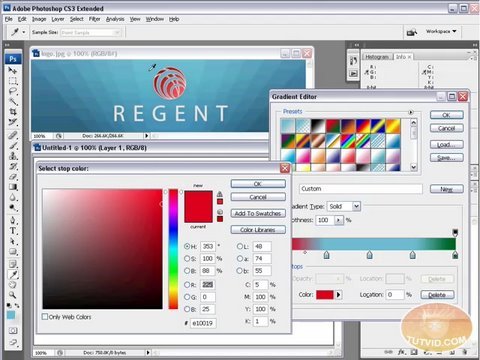
So many Web 2.0 style sites, matter of fact many sites in general have these backgrounds that seems to go on forever but have one unique end and seem to fade off to an image or color that appears to go on forever. This is simply an illusion and really can be done very easily with CSS and a 1px wide image! We will start with a blank Photoshop doc and first create our background then bring it into Dreamweaver and make our background using CSS. Please check out http://www.tutvid.com for more great training material!

Animated Business Card: Flash CS4 Tutorial

0

Check out another of my videos: “BREAKDOWN: Select and Mask vs. Refine Edge – Photoshop CC”

-~-~~-~~~-~~-~-

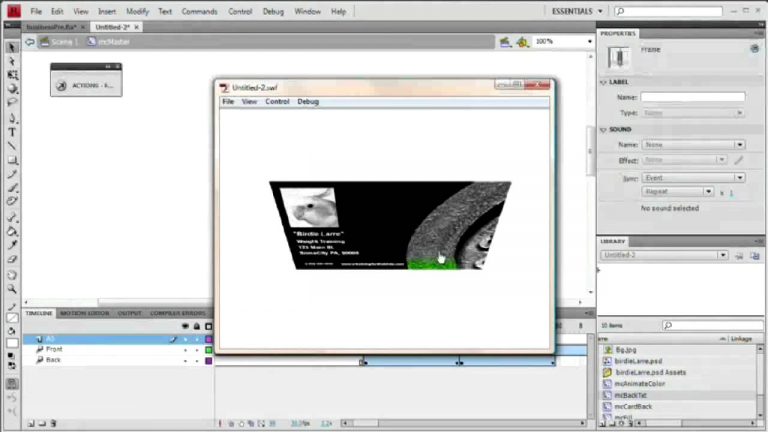
Using a few simple techniques we will build and animate a business card in Flash. The idea is that when the user clicks the business card it flips over and diplays information on the back and when it is clicked again it flips back over and displays the front again. We will cover using the Motion Editor to tween using the 3D rotation tools in Flash CS4 as well as scripting the button to react to a click only when in a certain position. Check it out and have a blast.

Be sure to check out http://www.tutvid.com
Check out the blog @ http://tutvid.wordpress.com

Uploading Your Website to the Internet in Dreamweaver!

0

Check out another of my videos: “BREAKDOWN: Select and Mask vs. Refine Edge – Photoshop CC”

-~-~~-~~~-~~-~-

Check this video out at Hi-Res here: http://www.tutvid.com/tutorials/dreamweaver/tutorials/ftpUpload.php

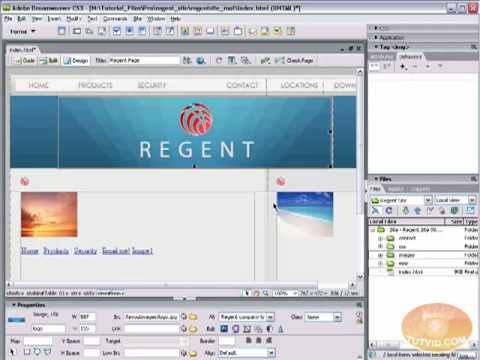
Learn all about uploading your first website in dreamweaver! Learn the basics of uploading in general and things you should keep in mind and do when you are uploading your files and web pages. We will use a live (free) host I setup for this video and upload to that so you can get an idea of how it all works and how you can get your site up and running! Please check out http://www.tutvid.com for more great training material!