Home Blog Page 450

After Effects Tutorial: Sweet Automated Glitch Intro

0

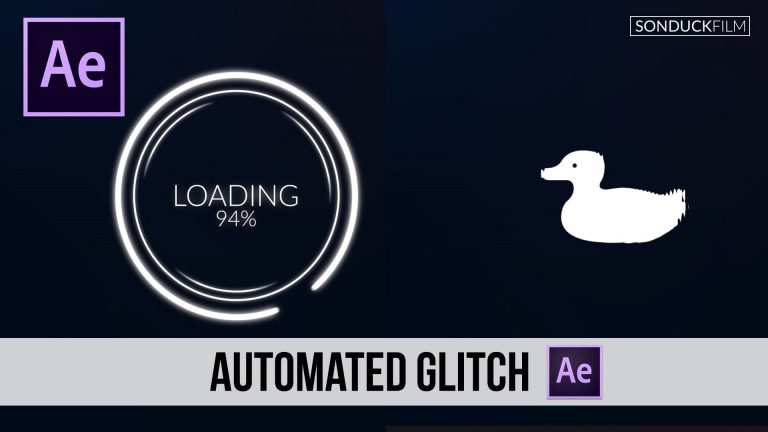
Create an awesome glitch intro in After Effects. We will be working with a few interesting concepts. RGB splitting, 0-100 expressions, and distortion. No plugins required!

Expression:
beginCount = 0;
stopCount = 100;

beginTime = 1; // start counting at time = 1
countDur = 3; // count for 3 seconds

“” + Math.round(linear(time,beginTime,beginTime + countDur,beginCount,stopCount)) + “%”

Visit our website https://www.sonduckfilm.com for more tutorials, giveaways and film and photo gear!

Download Project files:

After Effects: Sweet Automated Glitch Intro

Social Media:
Drop a like on Facebook: https://www.facebook.com/sonduckfilm
Hit me up on Instagram: http://instagram.com/sonduckfilm
Connect with me on Linkedin: https://www.linkedin.com/in/joshnoel
Follow me on Twitter: https://twitter.com/SonduckFilm

Suggested Videos:
Audio React Anything: https://youtu.be/k6xZUlhlZxs
RGB Splitting Glitch Effect: https://youtu.be/gV5vlD6Psv0
3D logo: https://youtu.be/If3wzddL5Ww
Star Trek Cinematic Titles: https://youtu.be/bB81o49zesY
Particle Logo: https://youtu.be/yCRm_50vAJA
Top 10 Effects: https://youtu.be/EgcMERrT23M
Top 10 Plugins: https://youtu.be/PtVgo-WaXEE

My Top 5 Favorite Cameras for Video Under $3000 | 2016

0

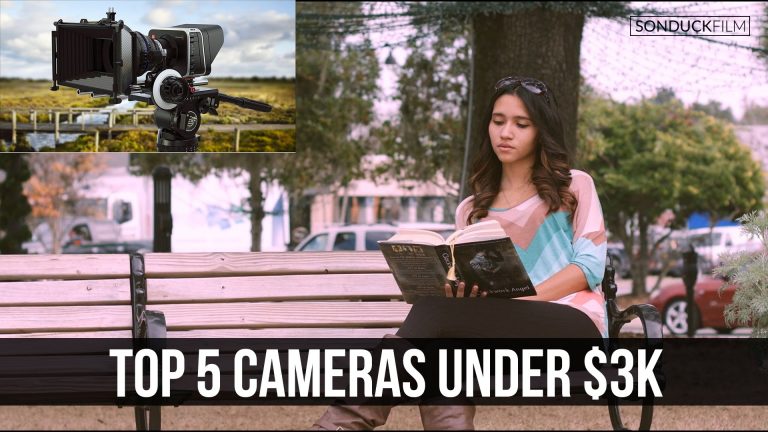
This is my top 5 list for the best cameras under $3000. I have included a short spec list and footage shot from each of the cameras within my list. Of course this is my opinion. Not every camera will be perfect for you. Please let me know if you disagree with this list and what other cameras should have been in this countdown.

#5 Canon Rebel Series
http://amzn.to/29G5NGI
The rebel series line of cameras has always been my number 1 recommendation for filmmakers and video producers just starting out. It’s a versatile camera that allows you to shoot clean video and capture beautiful still photos. The camera has a APS-C sensor and can record full 1080p HD. You have all the control over the ISO, Shutter Speed, and Aperture, which is a must in any video camera. Overall, I think it is the perfect beginners camera.

#4 Pansonic GH4
http://amzn.to/29XXqoQ
The GH4 can shoot 4K video and shoot 60 frames per second at 1080p. I think the GH4 is a great camera for beginners and freelance professionals who don’t mind the Micro Four-Thirds sensor. It pretty much offers the same features as the Rebel cameras. Just with the added plus of 4K and 60fps at 1080p.

#3 Blackmagic Cinema Camera
http://amzn.to/29r64dL
The BMCC is a very powerful tool. It can record 12-bit RAW video which is insane for a camera just under $2K. The camera also offers Proress and DNxHD formats, which are still great. The camera shoots in a flat profile for optimal control with color grading. However, I do not recommend this camera to beginners. The camera has a MFT sensor, which has a FPN (Fixed Pattern Noise). If you don’t take lighting seriously, this camera can be hard to work with. But if you know what you are doing, the BMCC can produce amazing images that can compare to RED.

#2 Canon C100
http://www.bhphotovideo.com/c/product/889545-REG/Canon_EOS_C100_EF_Cinema.html
The most well rounded camera for video production. The C100 has built ND filters and two XLR audio inputs. So you don’t need to sync sound in post. The camera can shoot 1080p video at 60 frames per second.

#1 Sony a7S II
http://amzn.to/29yYilB
The a7S II is the most staggering camera on paper and in low light situations. The camera offers 4K video and can shoot 120 frames per second in 1080p. The ISO can reach up to 409,600. The camera is small enough for run-and-gun setups. You can easily take this camera on vacation with you. Overall, it’s a great camera if you are passionate about shooting video.

Visit our website https://www.sonduckfilm.com for more tutorials, giveaways and film and photo gear!

Social Media:
Drop a like on Facebook: https://www.facebook.com/sonduckfilm
Hit me up on Instagram: http://instagram.com/sonduckfilm
Connect with me on Linkedin: https://www.linkedin.com/in/joshnoel
Follow me on Twitter: https://twitter.com/SonduckFilm

After Effects Tutorial: Big Bang Animation with Galaxies

0

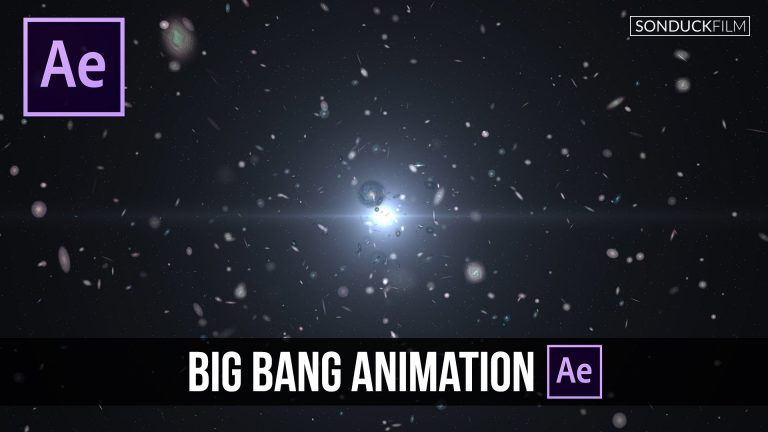
In this After Effects CC tutorial, we will be creating the big bang theory! We will be using CC Particle World to create thousands of galaxies in space. No plugins needed, but Optical Flares or Null Light Factory is a plus! Also free download of this After Effects project file!

Please feel free to request a tutorial!

Visit our website https://www.sonduckfilm.com for more tutorials, giveaways and film and photo gear!

Download Project files here:

After Effects: Big Bang Animation with Galaxies

Social Media:
Drop a like on Facebook: https://www.facebook.com/sonduckfilm
Hit me up on Instagram: http://instagram.com/sonduckfilm
Connect with me on Linkedin: https://www.linkedin.com/in/joshnoel
Follow me on Twitter: https://twitter.com/SonduckFilm

Twixtor Tutorial: Create Super Slow Motion in After Effects

0

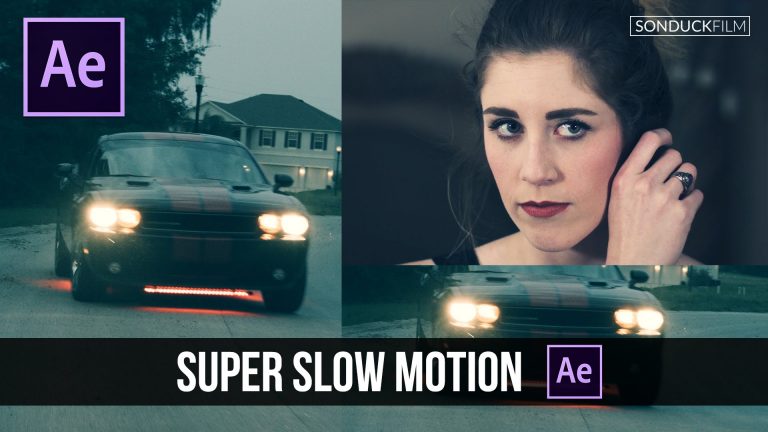
In this Adobe After Effects tutorial, we will create super slow motion in After Effects using the plugin Twixtor by ReVisionFX. Twixtor is a great effect for creating slow smooth slow motion for your footage. Twixtor recreates frames in order to make your video super slow and smooth. The video used in the AE tutorial was shot at 30FPS. We suggest that you shoot your footage at 60FPS or higher. Lower frames can cause tearing when slowed down. Twixtor is fantastic, but it can’t make 24fps footage look like it was shot at 120fps.

Visit our website https://www.sonduckfilm.com for more tutorials, giveaways and film and photo gear!

Twixtor: http://revisionfx.com/products/twixtor/

Social Media:
Drop a like on Facebook: https://www.facebook.com/sonduckfilm
Hit me up on Instagram: http://instagram.com/sonduckfilm
Connect with me on Linkedin: https://www.linkedin.com/in/joshnoel
Follow me on Twitter: https://twitter.com/SonduckFilm

After Effects Tutorial: Design Beautiful Motion Titles

0

In this Adobe After Effects tutorial, we will design beautiful motion graphic titles with a Photoshop to AE workflow. I find this workflow to be intuitive for a “graphic design” approach to animation. I like to layout my graphics in Photoshop and then animate them in After Effects. I find that I create my best graphically appealing projects with this workflow.

Create the Photoshop Action used in this video: https://youtu.be/XUf8zt4PEfU

Visit our website https://www.sonduckfilm.com for more tutorials, giveaways and film and photo gear!

Download Project Files Here: http://www.sonduckfilm.com/tutorials/after-effects-design-beautiful-motion-titles/

Social Media:
Drop a like on Facebook: https://www.facebook.com/sonduckfilm
Hit me up on Instagram: http://instagram.com/sonduckfilm
Connect with me on Linkedin: https://www.linkedin.com/in/joshnoel
Follow me on Twitter: https://twitter.com/SonduckFilm

Suggested Tutorials and Videos:
Audio React Anything: https://youtu.be/k6xZUlhlZxs
Best Free Fonts: https://youtu.be/OtyibmNGDGM
Star Trek Cinematic Titles: https://youtu.be/bB81o49zesY
RGB Splitting Glitch Effect: https://youtu.be/gV5vlD6Psv0
3D Camera Shake: https://youtu.be/nlgsV151IVU
Top 10 Effects: https://youtu.be/EgcMERrT23M
Cartoon Animation Night City: https://youtu.be/65em6dTeSfM

Create Photoshop Light Leaks & Actions Tutorial

0

This tutorial is a follow up to our “Create Beautiful Titles” video. In this video we will be creating photoshop actions and light leaks. You will be able to create a photoshop action, which basically is a preset that can be applied to all Photoshop projects. For our Photoshop action, we will create a light leak. The main effect we will be using is Gradient Fill, not Gradient Map. Please drop a comment down below for more photoshop tutorials or hit me up on my social media!

Previous Video: https://youtu.be/RpW8zn-AFO0

Visit our website https://www.sonduckfilm.com for more tutorials, giveaways and film and photo gear!

Social Media:
Drop a like on Facebook: https://www.facebook.com/sonduckfilm
Hit me up on Instagram: http://instagram.com/sonduckfilm
Connect with me on Linkedin: https://www.linkedin.com/in/joshnoel
Follow me on Twitter: https://twitter.com/SonduckFilm

Suggested Videos:
Top 5 Cameras Under $3K: https://youtu.be/91MJbpJ-yBI
Easy 2D Animation: https://youtu.be/X3i3MtdmoEI
Understanding Video & Photo Exposure: https://youtu.be/_KbB4IQfXXI
Design Beautiful Motion Titles: https://youtu.be/RpW8zn-AFO0
Design a Two Page Spread: https://youtu.be/aOZCY12o1pc

Quick Tutorials! Custom Glitch Distortion in After Effects

0

This is our first episode for Quick Tutorials! Learn how to create your very own custom distortion for video or for motion graphics.

Script:
With a blank composition called “Thin Distortion”, create a new solid. Then go to the rectangle tool or select the shape of your choice. With the shape mask selected, draw out a variety of THIN masks. This can be completely random. After you have drawn out several masks. Create a New composition called “Thick Distortion”. From here we will repeat the same things we did in the first comp, but this time we will make the mask larger.

After you are done creating your custom mask, let’s go to our footage comp. Drag in the two compositions we just created and hide them. Then let’s select our footage and go to effect, distort, displacement map. Set the Displacement Map layer to the “thin distortion” comp layer. Click the stop watches for Max Horizontal Displacement and Max Vertical Displacement and set their values to “0”=. Reselect the layer and hit “U” on your keyboard to bring up the keyframes. Move forward in time by one frame and increase the Horizontal displacement and vertical displacement. Move forward in time by a few frames and add a keyframe for both parameters. Finally move forward in time by one frame and set both parameters to 0.

Back in the Effects Controls panel, duplicate the Displacement Map. Set the Displacement Map Layer to the Thick Distortion comp layer. Then reselect the footage and bring up the keyframes from the duplicated effect. Select all of the keyframes for Displacement Map 2 and move them over to come on right after the keyframes on the Original Displacement Map.

Visit our website https://www.sonduckfilm.com for more tutorials, giveaways and film and photo gear!

Social Media:
Drop a like on Facebook: https://www.facebook.com/sonduckfilm
Hit me up on Instagram: http://instagram.com/sonduckfilm
Connect with me on Linkedin: https://www.linkedin.com/in/joshnoel
Follow me on Twitter: https://twitter.com/SonduckFilm

After Effects Tutorial: 2D Motion Graphics Slideshow

0

In this After Effects Tutorial, create a 2D motion graphics slideshow. We will make a 2D laptop appear 3D and zoom in and out of pictures to the next.

Visit our website https://www.sonduckfilm.com for more tutorials, giveaways and film and photo gear!

Download Project Files Here:

After Effects: 2D Motion Graphics Slideshow

Social Media:
Drop a like on Facebook: https://www.facebook.com/sonduckfilm
Hit me up on Instagram: http://instagram.com/sonduckfilm
Connect with me on Linkedin: https://www.linkedin.com/in/joshnoel
Follow me on Twitter: https://twitter.com/SonduckFilm

After Effects Tutorial: Create Instagram Filters for Video – Color Grading

0

In this After Effects tutorial, create Instagram Filters with After Effects. Learning how to create Instagram filters great for learning color grading techniques.

Julia:
Instagram:https://www.instagram.com/j.m.ward/
YouTube: https://www.youtube.com/channel/UCzMFJ09Ur7E2PzwpRxa4NNg
Visit our website https://www.sonduckfilm.com for more tutorials, giveaways and film and photo gear!

Social Media:
Drop a like on Facebook: https://www.facebook.com/sonduckfilm
Hit me up on Instagram: http://instagram.com/sonduckfilm
Connect with me on Linkedin: https://www.linkedin.com/in/joshnoel
Follow me on Twitter: https://twitter.com/SonduckFilm

Quick Tutorials: Awesome Picture Slideshow Presentation in After Effects

0

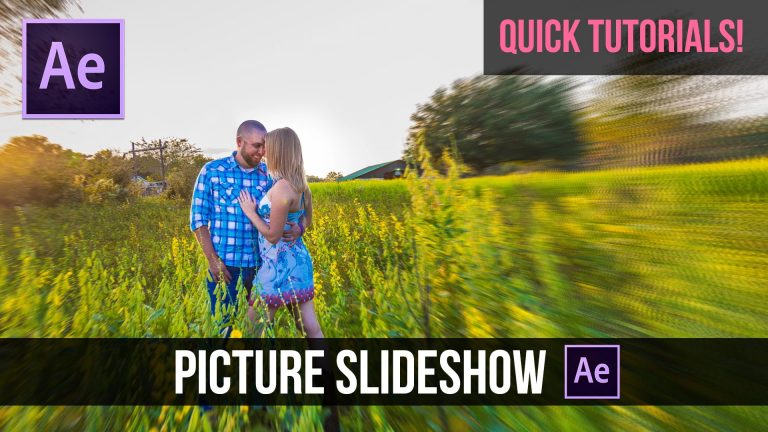
In our second quick tutorial we will be using Adobe After Effects to create an Awesome Picture Slideshow Presentation. We will be looking into animating slides and adding a cool effect to our pictures. Please feel free to request a tutorial!

Script:
Create a background and a title. Then create a Null object and parent the previous layers to the null object. With the Null object selected, hit ‘P’ on your keyboard to bring up Position and click the stop watch. Move forward in time and animate parented elements to go off screen. Add your starting picture and duplicate it. Put the duplicated picture underneath your title layer. Cut your duplicated picture layer to the last keyframes on the Null Object. Duplicate your title layer. Set your duplicated picture to Alpha Matte (If the TrkMat options are not available, click “Toggle Switches”). Click on the Text Layer Above and hit ’T’ on your keyboard to bring up the Opacity. Animate the Text Layer to Fade Out before the Slide Up animation ends.

Click on your original picture and go to effect – Distort – Optics Compensation. In the Effects Control Panel, click a check into the box next to “Reverse Lens Distortion” Then click the crosshair under the “View Center” parameter and click when you want to center of your animation to be. In my case, I will move the crosshair to the couple in the photo. Then click the stopwatch for the “Field of View” parameter and move forward in time. Then increase the value to your liking. Finally, go to effect – Time – CC Force Motion Blur. This will add motion blur to your animation. You might want to increase or decrease the shutter angle for best results. Hit ’S’ on your keyboard to adjust the Scale.

Add another image and position it just outside of your current image. Create a null object and parent the two photos to the new null object. Add a position keyframe and the null object and animate the next picture into frame.

Repeat the steps we have previously done to create an interesting slideshow presentation. Be sure to enabled motion blur and to save your project!

Visit our website https://www.sonduckfilm.com for more tutorials, giveaways and film and photo gear!

Download Project Files Here: http://www.sonduckfilm.com/tutorials/quick-tutorials-awesome-picture-slideshow-presentation/

Social Media:
Drop a like on Facebook: https://www.facebook.com/sonduckfilm
Hit me up on Instagram: http://instagram.com/sonduckfilm
Connect with me on Linkedin: https://www.linkedin.com/in/joshnoel
Follow me on Twitter: https://twitter.com/SonduckFilm

Suggested After Effects Tutorials:
Quick Tutorial Custom Distortion: https://youtu.be/Ri51–HlLck
2D Motion Graphics Slideshow: https://youtu.be/XBBed9cFnn8
Creative Promo: https://youtu.be/rR9XHg1swpk
Audio React Anything: https://youtu.be/k6xZUlhlZxs
Design Beautiful Motion Titles: https://youtu.be/RpW8zn-AFO0