Home Blog Page 6

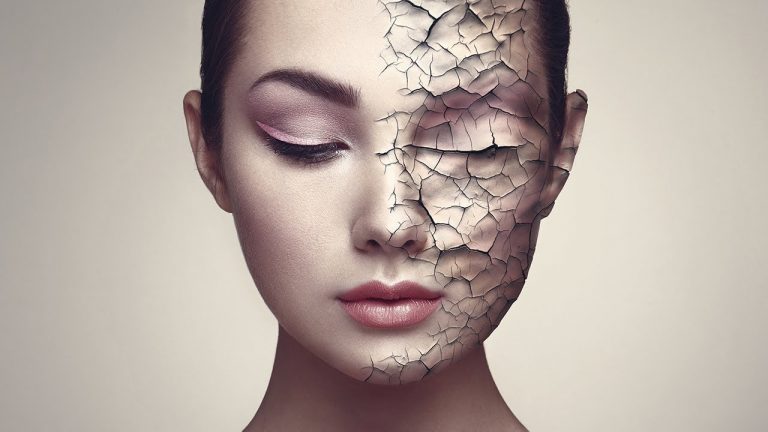
Create Realistic Cracked Skin in Photoshop

0

Create High-End Cracked Paint Skin Texture in Photoshop! Learn How to Crack a Face with Blend Modes, Liquify, and Smart Masking.

In this tutorial, firstly we will use blending modes to get the cracked paint texture to match the skin. Then, we will use Liquify to mould the texture according to the dimensions of the face. To add more depth to the texture, we will make use of several adjustment layers like Levels and Curves.

We will then, very carefully, mask in the texture in areas that we want, and at the end, apply a global effect like Color Lookup Adjustment Layer to bring it all together.

Hope this tutorial helps to expand your creative outlet. Thank you for watching 🙂

â–º DOWNLOADS:
1. Sample Image: http://piximp.com/4AE1
2. Texture: http://piximp.com/4AE4
3. Finished PSD: http://piximp.com/4AE3 (Only for our Patreon Family)

â–º HELP US CREATE MORE FREE VIDEOS:
Support us at Patreon: https://www.patreon.com/piximperfect

â–º SHARE: https://goo.gl/IUhnUl

â–ºLET’S CONNECT:
Facebook: http://facebook.com/piximperfect
Twitter: https://twitter.com/piximperfect
Instagram: https://www.instagram.com/piximperfect
Google+: https://plus.google.com/+UnmeshDinda
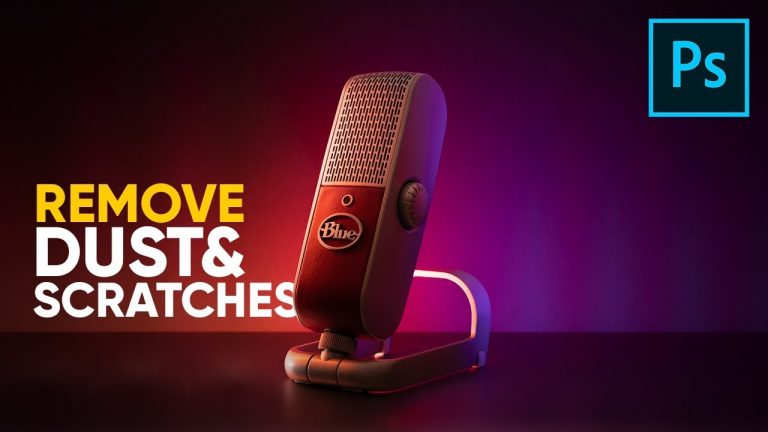
Remove Dust & Scratches from Products in Photoshop

0

Simple Tricks and Techniques to Remove Dust and Scratches from Products in Photoshop! Learn the right way to use the “Dust and Scratches” filter and some other advanced cloning techniques to get a clean image of your product.

â–º DOWNLOADS:
1. Sample Images: http://piximp.com/4AE7
2. Finished PSD: http://piximp.com/4AE6 (Only for our Patreon Family)

â–º HELP US CREATE MORE FREE VIDEOS:
Support us at Patreon: https://www.patreon.com/piximperfect

â–º SHARE: https://goo.gl/IUhnUl

â–ºLET’S CONNECT:
Facebook: http://facebook.com/piximperfect
Twitter: https://twitter.com/piximperfect
Instagram: https://www.instagram.com/piximperfect
Google+: https://plus.google.com/+UnmeshDinda
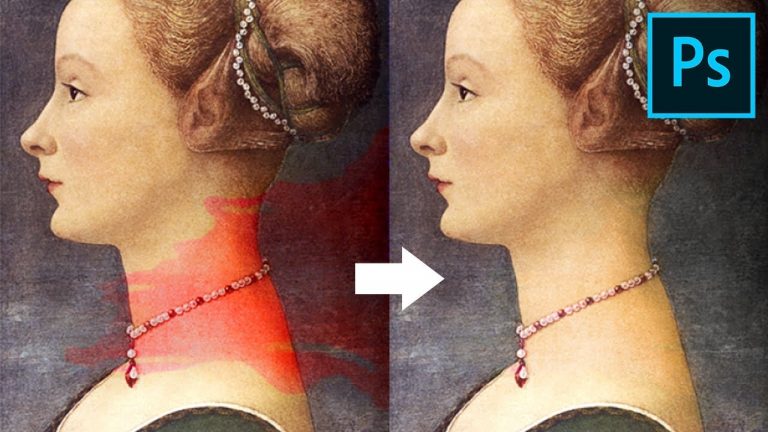
1-Minute Photoshop – Remove ANY Stain Easily!

0

Quicky Remove Any Stain, Color Cast, or Tint Using a Very Powerful Technique in Photoshop! Learn how to use the range feature in Hue and Saturation Adjustment Layer to selectively target colors and remove stains.

Hope this tutorial helps you.Thank you for watching 🙂

Full Version of the video: https://youtu.be/8-5GqhjHkZQ

â–º IMAGE CREDITS:
Tran Trieu Hai
http://facebook.com/chupanhcuoidepnhatmienbac

â–º DOWNLOADS:
1. Sample Image: https://goo.gl/Nmhxxy
2. Finished PSD: https://goo.gl/nydLNH (Only for our Patreon Family)

â–º HELP US CREATE MORE FREE VIDEOS:
Support us at Patreon: https://www.patreon.com/piximperfect

â–º SHARE: https://goo.gl/IUhnUl

â–ºLET’S CONNECT:
Facebook: http://facebook.com/piximperfect
Twitter: https://twitter.com/piximperfect
Instagram: https://www.instagram.com/piximperfect
Google+: https://plus.google.com/+UnmeshDinda
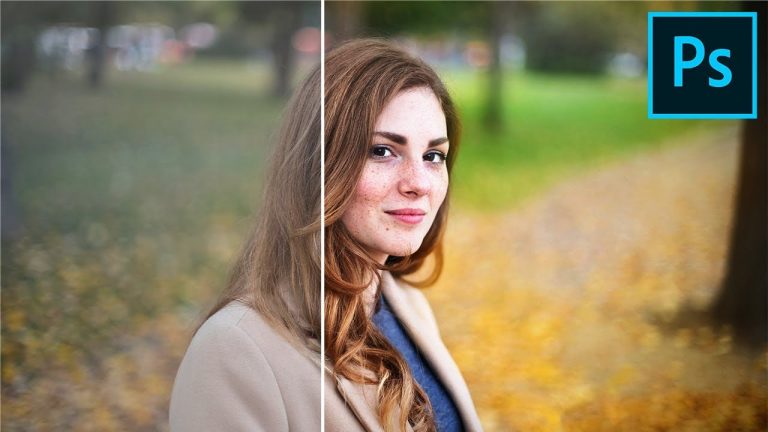
Make Colors POP & Bring Them to Life with Photoshop

0

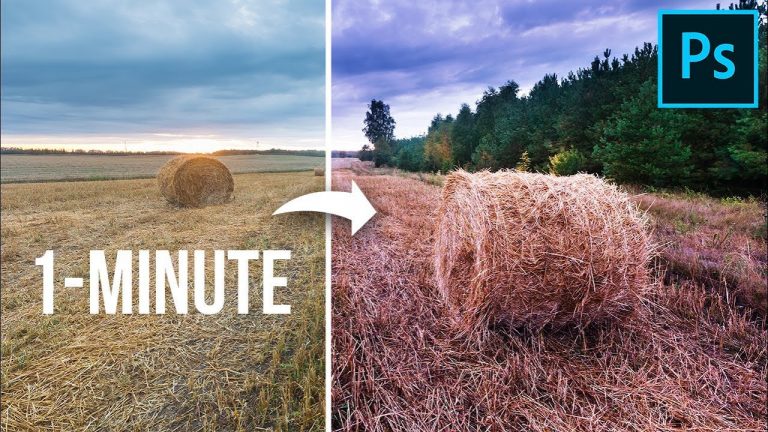
Explore the Magic of Blend Modes and Adjustment Layers to Make the Colors POP in Photoshop and Bring Your Images to Life! Learn how to use Solid Color Adjustment Layers with Blend Modes to Make Each Color Pop selectively.

In this tutorial, we’ll learn how to get complete control over adding punch to your images with color. Using this technique, we can add a punch of whatever color tint we want to whichever color we target.

We will also be using masks to control the punch and the color in the areas we want.

Hope this tutorial helps you. Thank you so much for watching 🙂

â–º DOWNLOADS:
1. Sample Image: http://piximp.com/4AE9
2. Finished PSD: http://piximp.com/4AEA (Only for our Patreon Family)

â–º HELP US CREATE MORE FREE VIDEOS:
Support us on Patreon: https://www.patreon.com/piximperfect

â–º SHARE: https://goo.gl/IUhnUl

â–ºLET’S CONNECT:
Facebook: http://facebook.com/piximperfect
Twitter: https://twitter.com/piximperfect
Instagram: https://www.instagram.com/piximperfect
Google+: https://plus.google.com/+UnmeshDinda
1-Minute Photoshop – Add AMAZING Color Tints!

0

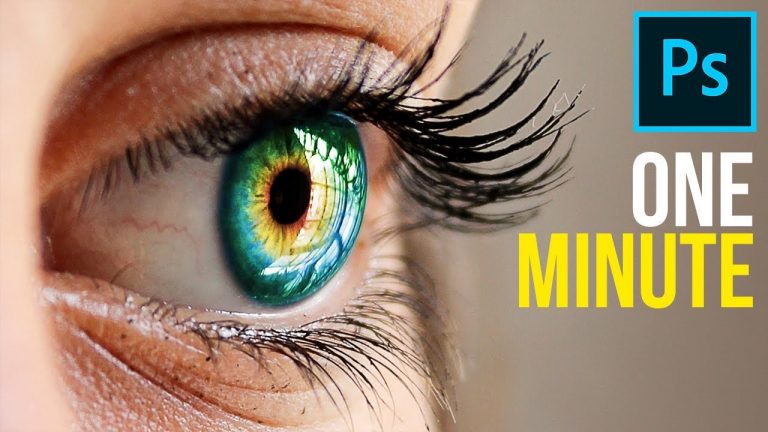
The Clever Use of Blend Modes with Hue/Saturation Adjustment Layer to Add Dramatic Color Casts in Photoshop! Learn how to colorize and add a desirable color cast to your images and truly make the colors pop.

â–º Watch the full version video here: https://youtu.be/lQXeFEKPUis

â–º DOWNLOADS:
1. Sample Images: http://piximp.com/4AEC
2. Finished PSD: http://piximp.com/4AEB (Only for our Patreon Family)

â–º HELP US CREATE MORE FREE VIDEOS:
Support us at Patreon: https://www.patreon.com/piximperfect

â–º SHARE: https://goo.gl/IUhnUl

â–ºLET’S CONNECT:
Facebook: http://facebook.com/piximperfect
Twitter: https://twitter.com/piximperfect
Instagram: https://www.instagram.com/piximperfect
Google+: https://plus.google.com/+UnmeshDinda

1-Minute Photoshop – How to Create Multi-Color Eyes!

0

Learn How to Creatively Color Eyes in Photoshop! Add more than one color easily by just using the concept of the Hue/Saturation adjustment layer with ‘Colorize!’

â–º DOWNLOADS:
1. Sample Image: http://piximp.com/4AED
2. Finished PSD: http://piximp.com/4AEE (Only for our Patreon Family)

â–º HELP US CREATE MORE FREE VIDEOS:
Support us at Patreon: https://www.patreon.com/piximperfect

â–º SHARE: https://goo.gl/IUhnUl

â–ºLET’S CONNECT:
Facebook: http://facebook.com/piximperfect
Twitter: https://twitter.com/piximperfect
Instagram: https://www.instagram.com/piximperfect
Google+: https://plus.google.com/+UnmeshDinda
4 Luminar EXCLUSIVE Effects Photoshop Can’t Create!

0

Get Luminar 2018 for the Lowest Price Ever! (Valid for a very limited time)
ONLY FROM: http://piximp.com/luminar
After the SALE, You Can Use the Code: PIXIMPERFECT to get 10% off!
NOTE: Coupon codes are not active during Flash Sales.

Explore 4 AMAZING Effects than Luminar 2018 Can Create Which Photoshop or Lightroom Can’t! In this video, we will attempt to mimic the effects and features of Luminar just by using Photoshop and Lightroom and see whether we can achieve similar results.

In this video, we will also go over the basics of Luminar 2018, and how can you use it to make your images more impactful. Hope this video helps you make a decision. Thank you so much for watching 🙂

â–º SHARE: https://goo.gl/IUhnUl

â–ºLET’S CONNECT:
Facebook: http://facebook.com/piximperfect
Twitter: https://twitter.com/piximperfect
Instagram: https://www.instagram.com/piximperfect
Google+: https://plus.google.com/+UnmeshDinda
1-Minute Photoshop – Create The PURE GOLD Skin!

0

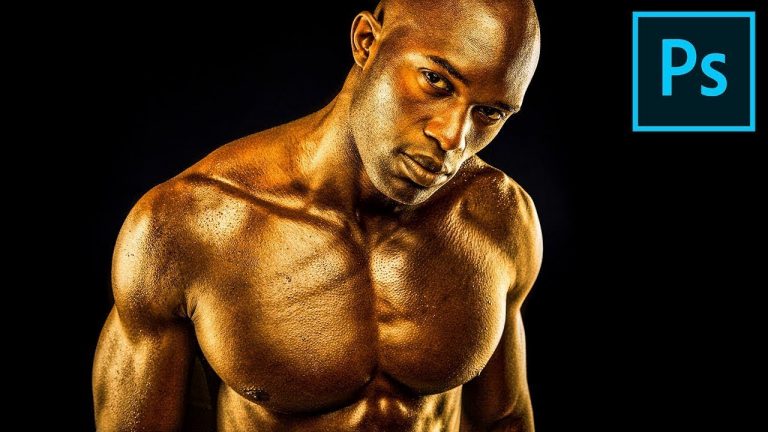
Learn How to Create the Beautiful Golden Skin Effect in Photoshop! In this tutorial, we will use only Adobe Camera RAW and a couple sliders to make the skin Golden in Just One Minute!

Hope this tutorial helps. Thank you for watching 🙂

â–º DOWNLOADS:
1. Sample Images: http://piximp.com/4AEF
2. Finished PSD: http://piximp.com/4AEG (Only for our Patreon Family)

â–º HELP US CREATE MORE FREE VIDEOS:
Support us at Patreon: https://www.patreon.com/piximperfect

â–º SHARE: https://goo.gl/IUhnUl

â–ºLET’S CONNECT:
Facebook: http://facebook.com/piximperfect
Twitter: https://twitter.com/piximperfect
Instagram: https://www.instagram.com/piximperfect
Google+: https://plus.google.com/+UnmeshDinda
Color Grade Like Any HOLLYWOOD Movie in Photoshop!

0

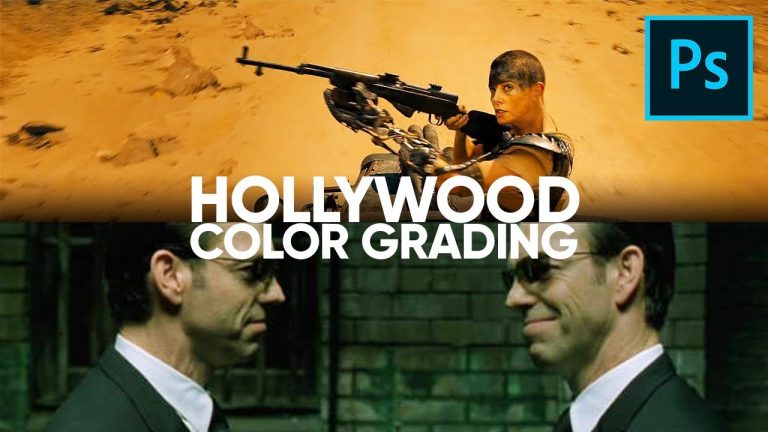
Replicate the Color Grading Style of Your Favorite Movie in Photoshop! Using the basic concepts of Adjustment Layers, in this tutorial, learn how to match color and tone of your image to movies, music videos or any other photo.

We will focus on the approach, using a variety of tools like Curves, Selective Color, Hue/Saturation, and Gradient Map Adjustment Layers. Hope this tutorial helps you. Thank you for watching 🙂

â–º MOVIE CREDITS:
1. The Matrix Reloaded https://en.wikipedia.org/wiki/The_Matrix_Reloaded
2. Mad Max: Fury Road: https://en.wikipedia.org/wiki/Mad_Max:_Fury_Road

â–º DOWNLOADS
1. Sample Images: http://piximp.com/4AEH
2. Two Finished PSDs: http://piximp.com/4AEJ (Only for our Patreon Family)

â–º HELP US CREATE MORE FREE VIDEOS:
Support us at Patreon: https://www.patreon.com/piximperfect

â–º SHARE: https://goo.gl/IUhnUl

â–ºLET’S CONNECT:
Facebook: http://facebook.com/piximperfect
Twitter: https://twitter.com/piximperfect
Instagram: https://www.instagram.com/piximperfect
Google+: https://plus.google.com/+UnmeshDinda

1-Minute Photoshop – How to SCAN For Blemishes

0

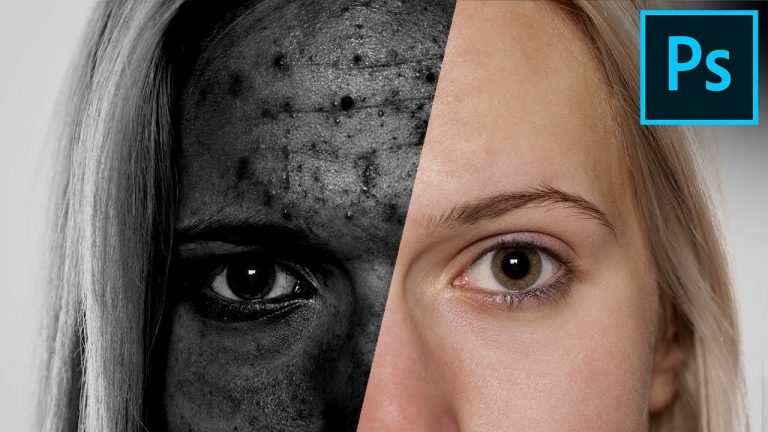
Learn How to Easily Find and Remove Blemishes in Photoshop! In this tutorial, we will learn how to make the blemishes much more visible, thus making it super easy for us to remove.

â–º DOWNLOADS:
1. Sample Image: http://piximp.com/4AEL
2. Finished PSD: http://piximp.com/4AEK (Only for our Patreon Family)

â–º HELP US CREATE MORE FREE VIDEOS:
Support us at Patreon: https://www.patreon.com/piximperfect

â–º SHARE: https://goo.gl/IUhnUl

â–ºLET’S CONNECT:
Facebook: http://facebook.com/piximperfect
Twitter: https://twitter.com/piximperfect
Instagram: https://www.instagram.com/piximperfect
Google+: https://plus.google.com/+UnmeshDinda