Check out another of my videos: “BREAKDOWN: Select and Mask vs. Refine Edge – Photoshop CC”
-~-~~-~~~-~~-~-
Check out my website for more great tutorials and articles! http://tutvid.com/
INSTAGRAM & MORE:
http://instagram.com/tutvid
Tweets by tutvid
https://www.facebook.com/tutvid
DESCRIPTION:
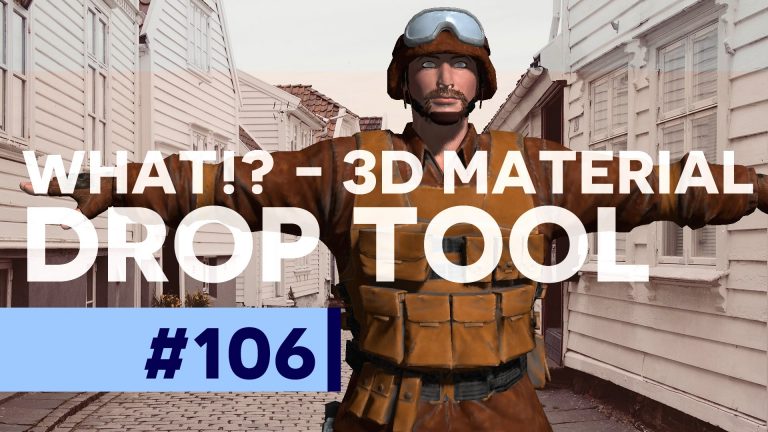
Have you taken the time to play around with the 3D functionality in Photoshop? Don’t worry, most of us haven’t, heck, I don’t even know nearly as much as I would like to about the 3D features of Photoshop. Photoshop still isn’t really the best of the best when it comes to 3D creation and editing, but we’ll take a look at sampling and applying different textures (materials) to our 3D model using the 3D Material Drop tool. Even if you don’t use or work with 3D, this is still a fun little tutorial! Check it out!
Photo in tutorial: https://unsplash.com/photos/ar7ZWQ-r87g