Home Blog Page 12

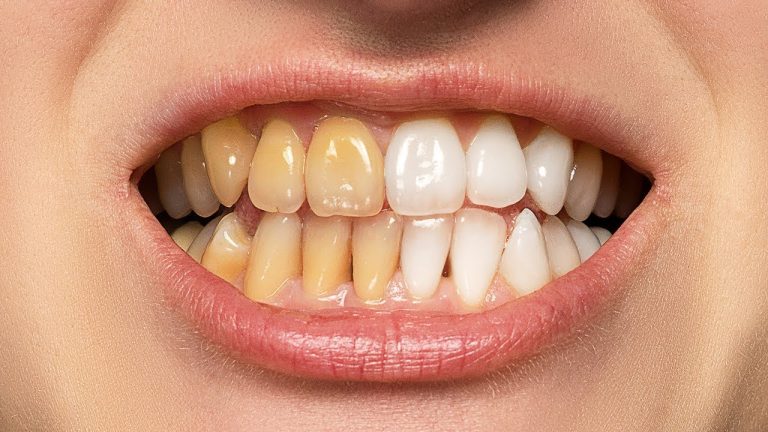
The BEST Way to Whiten Teeth in Photoshop

0

The Perfect Technique to Easily Remove the Yellows from Teeth Without Any Intricate Selections, using Photoshop! Utilize the immense power of the Hue/Saturation Adjustment Layer to target and manipulate colors and get the most natural results.

Hope this video helps. Thank you for watching 🙂

â–º DOWNLOADS:
1. Sample Image: http://bit.ly/2Dvt2DP
2. Finished PSD: http://bit.ly/2JRVhNx (Only for our Patreon Family)

â–º HELP US CREATE MORE FREE VIDEOS:
Support us at Patreon: https://www.patreon.com/piximperfect

â–º SHARE: https://goo.gl/IUhnUl

â–ºLET’S CONNECT:
Facebook: http://facebook.com/piximperfect
Twitter: https://twitter.com/piximperfect
Instagram: https://www.instagram.com/piximperfect
Google+: https://plus.google.com/+UnmeshDinda
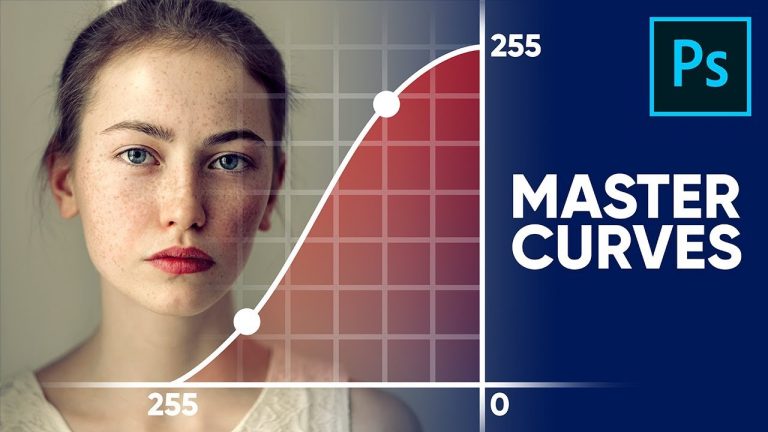
Master Curves from Start to Finish in Photoshop

0

We Guarantee that After Watching This Video, You Will Become a Master of Curves! Whether it is stylizing your images or matching colors, the applications of Curves in Photoshop are limitless. In this tutorial, we will learn how Curves work and the fundamental concepts behind it.

We will also look at some real-world applications where we match the elements of a composite and perform color grading on a portrait. I hope this tutorial helps, thank you for watching 🙂

â–º DOWNLOADS:
1. Sample Images: http://bit.ly/2Tmn11d
2. Finished PSDs: http://bit.ly/2RV5POA (Only for our Patreon Family)

â–º HELP US CREATE MORE FREE VIDEOS:
Support us at Patreon: https://www.patreon.com/piximperfect

â–º SHARE:
https://goo.gl/IUhnUl

â–ºLET’S CONNECT:
Facebook: http://facebook.com/piximperfect
Twitter: https://twitter.com/piximperfect
Instagram: https://www.instagram.com/piximperfect
Google+: https://plus.google.com/+UnmeshDinda
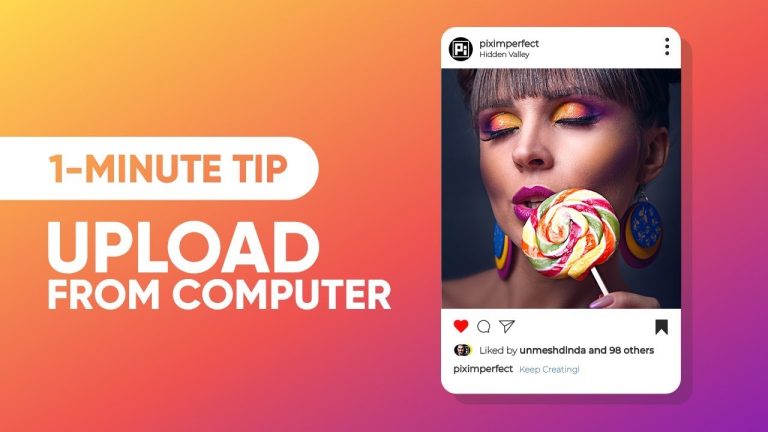
1-Minute Tip – Upload to Instagram from Computer!

0

Directly Upload to Instagram from Your Computer Using Any Compatible Browser! In this 1-Minute Trick, we will use Developer Tools in Google Chrome to open the mobile version of Instagram on your PC or Mac, and easily post from there.

Hope this tutorial helps. Thank you for watching 🙂

â–º HELP US CREATE MORE FREE VIDEOS:
Support us at Patreon: https://www.patreon.com/piximperfect

â–º SHARE: https://goo.gl/IUhnUl

â–ºLET’S CONNECT:
Facebook: http://facebook.com/piximperfect
Twitter: https://twitter.com/piximperfect
Instagram: https://www.instagram.com/piximperfect
Google+: https://plus.google.com/+UnmeshDinda
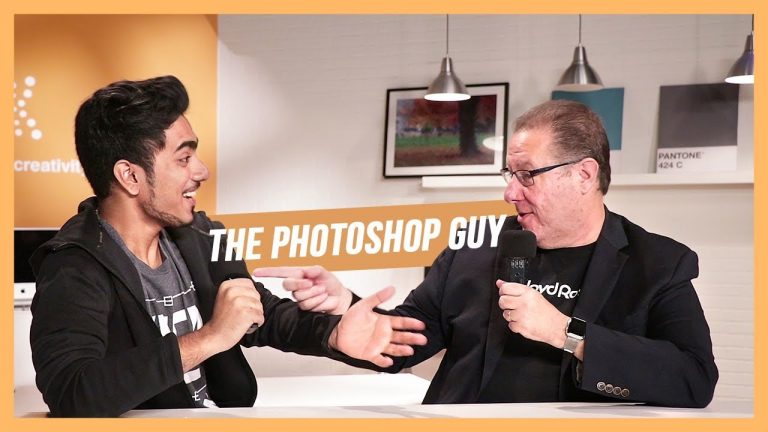
Scott Kelby “No Watermark!” & How He Wrote 80+ Books!

0

A Super Fun Interview with the One and Only Scott Kelby! A Photoshop Guru for decades, author of over 80 books on Photoshop and technology, Photography and Photoshop instructor, and the CEO of KelbyOne.

In this crazy chit chat, we talk about the past and the future of Adobe Photoshop, how to write books that resonate with the audience, why you shouldn’t use Adobe Bridge, and so much more fun stuff.

As you can hear from the interview, speaking with so much passion, Scott is undoubtedly one of the biggest names in the photography industry. Hope you enjoy this interview. Thank you so much for watching 🙂

â–º SHARE: https://goo.gl/IUhnUl

â–ºLET’S CONNECT:
Facebook: http://facebook.com/piximperfect
Twitter: https://twitter.com/piximperfect
Instagram: https://www.instagram.com/piximperfect
Google+: https://plus.google.com/+UnmeshDinda
Start Shaping Colors with a Secret Code in Photoshop!

0

Easily control the luminosity of each color using blend modes in Photoshop! Learn how to use the right numbers to get accurate tones to begin with. In this tutorial, we will make the Colors Pop by using several Adjustment Layers like Black and White, Curves, and even Solid Color.

Also, we will learn a little about the concept of Difference blend mode in Photoshop, and how that helped discover this technique. Hope this tutorial helps. Thank you for watching 🙂

â–º DOWNLOADS:
1. Sample Image: http://bit.ly/2R14GoD
2. Finished PSD: http://bit.ly/2DxNxim (Only for our Patreon Family)

â–º HELP US CREATE MORE FREE VIDEOS:
Support us at Patreon: https://www.patreon.com/piximperfect

â–º SHARE: https://goo.gl/IUhnUl

â–ºLET’S CONNECT:
Facebook: http://facebook.com/piximperfect
Twitter: https://twitter.com/piximperfect
Instagram: https://www.instagram.com/piximperfect
Google+: https://plus.google.com/+UnmeshDinda
Stretch Complex Images with Buildings or Trees! – Photoshop Tutorial

0

2 Simple Techniques to Easily Extend Images with Complex Backgrounds in Photoshop! Whether you are stretching for a Facebook Cover or an Instagram post, in this tutorial, we will learn how to best use the Content-Aware Fill coupled with some additional tricks to stretch images with busy objects.

We have three different examples to illustrate all the techniques and that would cover most scenarios you might face. Hope this tutorial helps. Thank you for watching 🙂

â–º RECOMMENDED TUTORIAL:
Quick HACK for UNLIMITED Background Stretching:

â–º DOWNLOADS:
1. Sample Images: http://bit.ly/2r3DA54
2. Finished PSD: http://bit.ly/2zqMLkr (Only for our Patreon Family)

â–º HELP US CREATE MORE FREE VIDEOS:
Support us at Patreon: https://www.patreon.com/piximperfect

â–º SHARE: https://goo.gl/IUhnUl

â–ºLET’S CONNECT:
Facebook: http://facebook.com/piximperfect
Twitter: https://twitter.com/piximperfect
Instagram: https://www.instagram.com/piximperfect
Google+: https://plus.google.com/+UnmeshDinda
1-Minute Photoshop – Juicy HDR Effect!

0

Create a Super Cool HDR Effect in Just One Minute with Photoshop! Learn how to apply HDR Toning non-destructively, with much more control. In this video, we’ll quickly apply presets to add punch to your images and learn how to use Smart Objects to keep things clean.

Hope this video helps. Thank you for watching!

â–º DOWNLOADS:
1. Sample Image: http://bit.ly/2DVAQit
2. Finished PSD: http://bit.ly/2r3r9pH (Only for our Patreon Family)

â–º HELP US CREATE MORE FREE VIDEOS:
Support us at Patreon: https://www.patreon.com/piximperfect

â–º SHARE: https://goo.gl/IUhnUl

â–ºLET’S CONNECT:
Facebook: http://facebook.com/piximperfect
Twitter: https://twitter.com/piximperfect
Instagram: https://www.instagram.com/piximperfect
Google+: https://plus.google.com/+UnmeshDinda
The Hidden “3D Contrast” in Photoshop!

0

Use The Power of 3D to Apply Amazing Contrast, Depth, and Dimension to Your Portraits in Photoshop! Learn how to make the images pop by generating three-dimensional bump maps.

In this tutorial, we have two examples to illustrate how to automatically add the highlights and shadows to just the right places very easily, and create intricate details to make the image come to life.

â–º DOWNLOADS:
1. Sample Images: http://bit.ly/2P29OHm
2. Finished PSDs: http://bit.ly/2P2aT1S (Only for our Patreon Family)

â–º HELP US CREATE MORE FREE VIDEOS:
Support us at Patreon: https://www.patreon.com/piximperfect

â–º SHARE: https://goo.gl/IUhnUl

â–ºLET’S CONNECT:
Facebook: http://facebook.com/piximperfect
Twitter: https://twitter.com/piximperfect
Instagram: https://www.instagram.com/piximperfect
Google+: https://plus.google.com/+UnmeshDinda
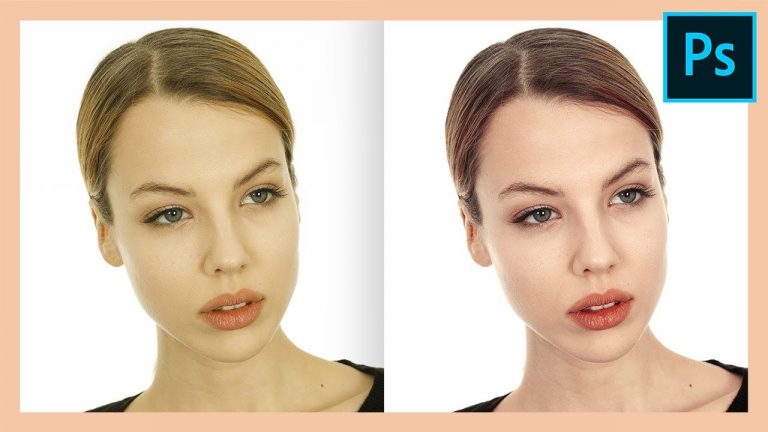
Fix Skin Tones in LESS THAN 1 MINUTE with Photoshop!

0

Easiest and Quickest Way to Fix Skin Tones in Photoshop! Learn how to use the powerful Selective Color Adjustment Layer to target and manipulate specific colors to get the skin tone right.

Hope this tutorial helps. Thank you for watching 🙂

â–º DOWNLOADS:
1. Sample Image: http://bit.ly/2AASJ1W
2. Finished PSD: http://bit.ly/2PbzDVw (Only for our Patreon Family)

â–º HELP US CREATE MORE FREE VIDEOS:
Support us at Patreon: https://www.patreon.com/piximperfect

â–º SHARE: https://goo.gl/IUhnUl

â–ºLET’S CONNECT:
Facebook: http://facebook.com/piximperfect
Twitter: https://twitter.com/piximperfect
Instagram: https://www.instagram.com/piximperfect
Google+: https://plus.google.com/+UnmeshDinda

Cut Out Original Shadows Effortlessly in Photoshop!

0

â–º TRY MILANOTE FOR FREE: http://bit.ly/milanotepix
Use the code “PIX20” to get 20% off Milanote PRO forever!

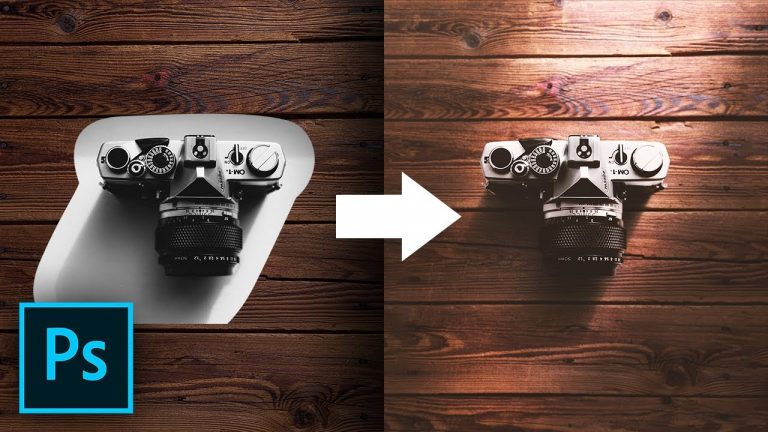
A Super Easy Trick to Cut Out Shadows for Compositing in Photoshop! Whether you are simply changing the background or creating a photo manipulation, learn how to use the original shadows of the subject on a new background.

Using the power of Blend Modes and Adjustment Layers, in this tutorial, we’ll learn how to add shadows without recreating them. Also included are some little tips and tricks to match the subject with the background.

Hope this tutorial helps. Thank you for watching 🙂

â–º RECOMMENDED TUTORIALS:
1. Mastering Curves: https://youtu.be/Bvyiydd2dMc
2. Mastering the Pen Tool: https://youtu.be/5kAQUNFZJXY

â–º TUTORIALS ON CREATING SHADOWS:
1. Create Highly Realistic Shadows by Detaching Drop Shadow:

2. Use Green Screen to Create Composites in Photoshop:

â–º DOWNLOADS:
1. Sample Images: http://bit.ly/2rkr7tS
2. Finished PSD: http://bit.ly/2E8nHmt (Only for our Patreon Family)

â–º HELP US CREATE MORE FREE VIDEOS:
Support us at Patreon: https://www.patreon.com/piximperfect

â–º SHARE: https://goo.gl/IUhnUl

â–ºLET’S CONNECT:
Facebook: http://facebook.com/piximperfect
Twitter: https://twitter.com/piximperfect
Instagram: https://www.instagram.com/piximperfect
Google+: https://plus.google.com/+UnmeshDinda