Home Blog Page 383

HOW TO RETOUCH Pt. 7: Moody Contrast and Tone Adjustments – Photoshop Tutorial

0

Check out another of my videos: “BREAKDOWN: Select and Mask vs. Refine Edge – Photoshop CC”

-~-~~-~~~-~~-~-

Pick up my image retouching tutorial package ($27) right here: http://bit.ly/support-tutvid

Also, check out the written post and get a free action that places all the Adjustment Layers I created in this tutorial instantly! Check it out here: http://bit.ly/28SKyS1

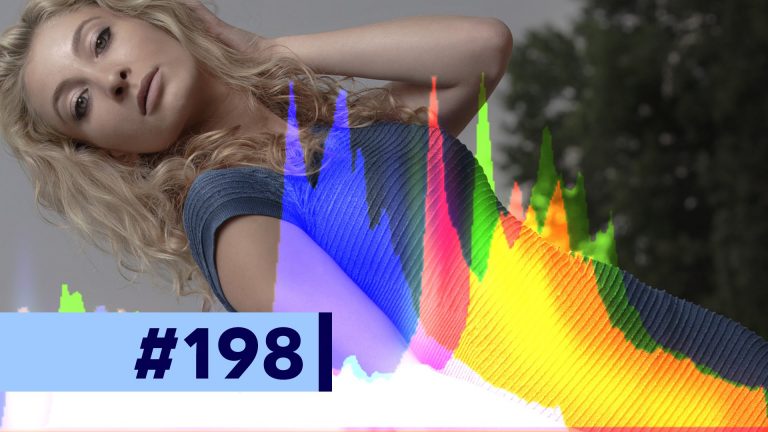
Let’s talk about getting the tone and contrast of the overall photo just perfect in this part 7 of our 12-part retouching series! I’ll cover Adjustment Layers, Curves, Levels, reducing contrast, Black and White Multiplied layers, and more! If you want smooth and beautiful and moody cinematic tones in your images, you’re going to love this tutorial!

VIDEO GUIDE:
0:44 Add Contrast with Curves
01:15 Midtone Punch with High Pass
02:06 Reduce Contrast with Levels
02:31 Channel Mixer to Dramatize the Tones
04:00 Selective Contrast with Curves
05:32 Reduce Contrast and Multiply Merged Layer

SEE ALL 12 PARTS!
Part 1: Camera RAW Processing: https://www.youtube.com/watch?v=xlfRoXn20Js
Part 2: How to Liquify & Pushing Pixels: https://www.youtube.com/watch?v=qV7LJzJgPMg
Part 3: How to Retouch the Skin: https://www.youtube.com/watch?v=MtJVPHR5E4A
Part 4: How to Retouch Eyes, Lips, & Eyebrows: https://www.youtube.com/watch?v=wsCM58GAbWk
Part 5: How to Retouch Hair: https://www.youtube.com/watch?v=LmoXgKQRwsc
Part 6: Dodging and Burning the Photo: https://www.youtube.com/watch?v=5tWgz9Pkw3g
Part 7: How to Get Moody Contrast & Tone: https://www.youtube.com/watch?v=N1cBARrXP1w
Part 8: How to Color Grade the Photo: https://www.youtube.com/watch?v=6GXeCV4AExk
Part 9: How to Sharpen the Photo: https://www.youtube.com/watch?v=Qo5JHUFdDns
Part 10: The Benefits of Destructive Editing: https://www.youtube.com/watch?v=iPWyYEibm5c
Part 11: Create Lens Flare and Digital Lighting: https://www.youtube.com/watch?v=RHxgNmxsJbU
Part 12: Tone Smoothing Grain and Finishing: https://www.youtube.com/watch?v=Rj-lFuMt9c8

SNAPCHAT & MORE:
http://instagram.com/tutvid

https://www.facebook.com/tutvid
? tutvid.com

Icon in thumbnail made by Freepik from http://flaticon.com
HOW TO RETOUCH Pt. 8: Color Grading your Photos – Photoshop Tutorial

0

Check out another of my videos: “BREAKDOWN: Select and Mask vs. Refine Edge – Photoshop CC”

-~-~~-~~~-~~-~-

Pick up my image retouching tutorial package ($27) right here: http://bit.ly/support-tutvid

Make sure to check out the written article to download a pack of free gradients that I made just for Gradient Maps and color grading right here: http://bit.ly/2961dQz

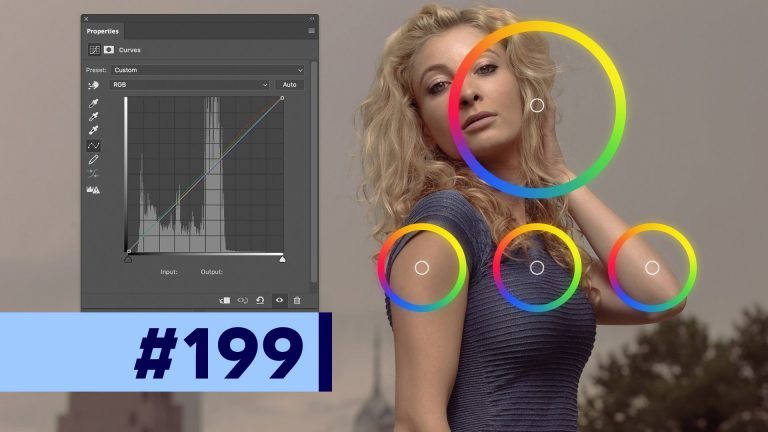
Two-thirds of the way home! It’s part 8 of our 12-part retouching tutorial series in Photoshop and today we’re talking about color grading and getting the colors right in your photo. We’ll look at color grading with channels in Curves, with Color Balance, and with the Gradient Map feature in Photoshop.

VIDEO GUIDE:
01:09 Color Grade with Curves
03:50 Color Grade with Color Balance
05:37 Color Grade with Gradient Map Layer
06:47 Gradient Map and Contrast
07:58 Playing with other gradients
10:00 Colors used in Movies (reference site)

SEE ALL 12 PARTS!
Part 1: Camera RAW Processing: https://www.youtube.com/watch?v=xlfRoXn20Js
Part 2: How to Liquify & Pushing Pixels: https://www.youtube.com/watch?v=qV7LJzJgPMg
Part 3: How to Retouch the Skin: https://www.youtube.com/watch?v=MtJVPHR5E4A
Part 4: How to Retouch Eyes, Lips, & Eyebrows: https://www.youtube.com/watch?v=wsCM58GAbWk
Part 5: How to Retouch Hair: https://www.youtube.com/watch?v=LmoXgKQRwsc
Part 6: Dodging and Burning the Photo: https://www.youtube.com/watch?v=5tWgz9Pkw3g
Part 7: How to Get Moody Contrast & Tone: https://www.youtube.com/watch?v=N1cBARrXP1w
Part 8: How to Color Grade the Photo: https://www.youtube.com/watch?v=6GXeCV4AExk
Part 9: How to Sharpen the Photo: https://www.youtube.com/watch?v=Qo5JHUFdDns
Part 10: The Benefits of Destructive Editing: https://www.youtube.com/watch?v=iPWyYEibm5c
Part 11: Create Lens Flare and Digital Lighting: https://www.youtube.com/watch?v=RHxgNmxsJbU
Part 12: Tone Smoothing Grain and Finishing: https://www.youtube.com/watch?v=Rj-lFuMt9c8

SNAPCHAT & MORE:
http://instagram.com/tutvid

https://www.facebook.com/tutvid
? tutvid.com

Glossy Lips in 2 Minutes! Photoshop Tutorial

0

Check out another of my videos: “BREAKDOWN: Select and Mask vs. Refine Edge – Photoshop CC”

-~-~~-~~~-~~-~-

Join the discussion and view the tutorial on Tutvid.com: http://wp.me/p4lX7f-19m

SPONSOR: http://squarespace.com/tutvid

||||
||||
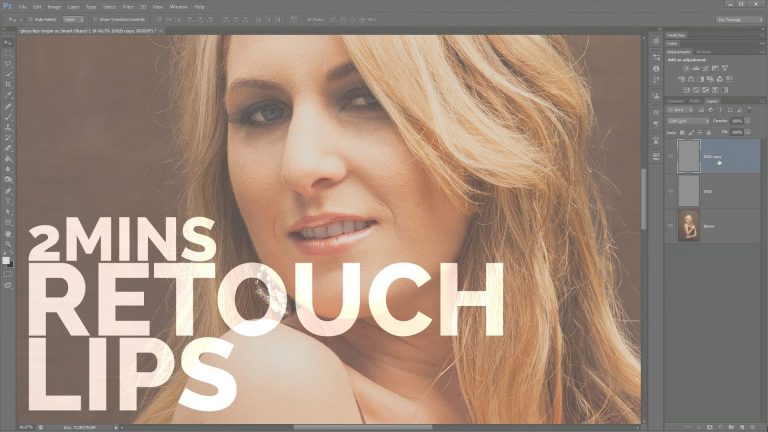
Adding the extra amount of shininess or glossiness to your subject’s lips can be just what the doctor order to push your latest and greatest photograph to the top. In this tutorial we’ll take a very quick look at minor lip retouching as well as using a few detail-oriented dodge and burn techniques to give lips that extra pizzazz in a snap! If you have a couple moments to spare, check out the tutorial and share your thoughts in the comments!
||||
||||


https://www.facebook.com/tutvid
https://plus.google.com/+NathanielDodson
http://instagram.com/endyphoto

HOW TO RETOUCH Pt. 9: Sharpening – Photoshop Tutorial

0

Check out another of my videos: “BREAKDOWN: Select and Mask vs. Refine Edge – Photoshop CC”

-~-~~-~~~-~~-~-

Pick up my image retouching tutorial package ($27) right here: http://bit.ly/support-tutvid

Check out the written blog post here: Link coming soon!

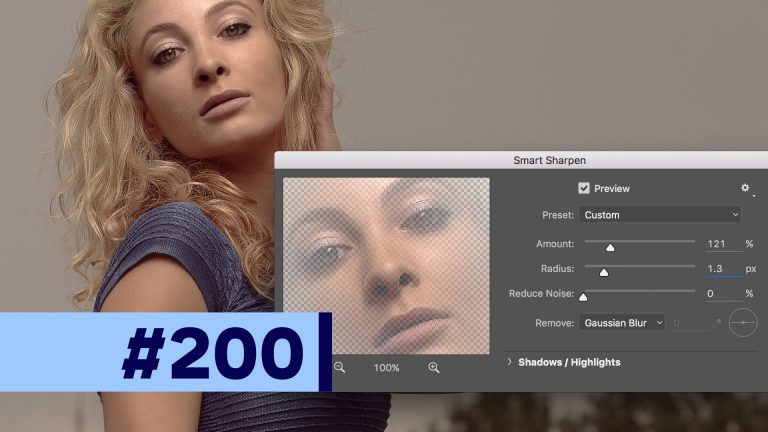
Welcome to part 9 of my 12-part retouching in Photoshop tutorial series! Today we’re covering sharpening and how I like to selectively sharpen. By the end of this tutorial, you will see how having the ability to apply a mask to individual smart filters would be SO nice (C’mon, Adobe!) I’ll walk you through how I use Smart Sharpen to sharpen different areas of the image and why I sharpen different areas in different ways. Not the sexiest of feature sets, but ESSENTIAL to give your image that last bit of zip to really make it look amazing. Sharpening is extremely important!

VIDEO GUIDE
01:08 Sharpening Details with Frequency Separation
01:46 Selective Sharpening
02:23 Setting up Quick Mask Mode
02:38 Soft Selecting the Blurry Background
03:25 Soft Selecting the Clothing
04:59 Soft Selecting the Skin
06:03 Soft Selecting the Hair
07:01 Sharpen Each Element Individually

SEE ALL 12 PARTS!
Part 1: Camera RAW Processing: https://www.youtube.com/watch?v=xlfRoXn20Js
Part 2: How to Liquify & Pushing Pixels: https://www.youtube.com/watch?v=qV7LJzJgPMg
Part 3: How to Retouch the Skin: https://www.youtube.com/watch?v=MtJVPHR5E4A
Part 4: How to Retouch Eyes, Lips, & Eyebrows: https://www.youtube.com/watch?v=wsCM58GAbWk
Part 5: How to Retouch Hair: https://www.youtube.com/watch?v=LmoXgKQRwsc
Part 6: Dodging and Burning the Photo: https://www.youtube.com/watch?v=5tWgz9Pkw3g
Part 7: How to Get Moody Contrast & Tone: https://www.youtube.com/watch?v=N1cBARrXP1w
Part 8: How to Color Grade the Photo: https://www.youtube.com/watch?v=6GXeCV4AExk
Part 9: How to Sharpen the Photo: https://www.youtube.com/watch?v=Qo5JHUFdDns
Part 10: The Benefits of Destructive Editing: https://www.youtube.com/watch?v=iPWyYEibm5c
Part 11: Create Lens Flare and Digital Lighting: https://www.youtube.com/watch?v=RHxgNmxsJbU
Part 12: Tone Smoothing Grain and Finishing: https://www.youtube.com/watch?v=Rj-lFuMt9c8

SNAPCHAT & MORE:
http://instagram.com/tutvid

https://www.facebook.com/tutvid
? tutvid.com

How to create the best lens flare in Photoshop

0

Check out another of my videos: “BREAKDOWN: Select and Mask vs. Refine Edge – Photoshop CC”

-~-~~-~~~-~~-~-

Written tutorial and downloadable files are HERE: http://tutvid.com/photoshop/how-to-create-the-best-lens-flare-with-photoshop-cc/

INSTAGRAM & MORE:
http://instagram.com/tutvid

https://www.facebook.com/tutvid

DESCRIPTION:
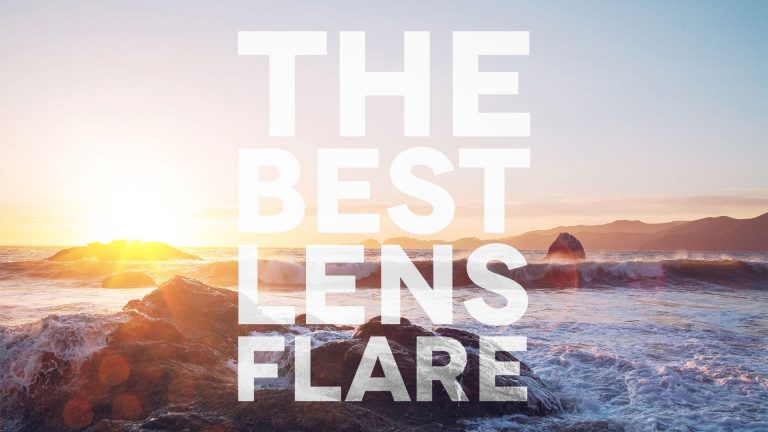
Of all the filters in Photoshop maybe the most infamous is the “Lens Flare” filter which has typically been difficult to use and control to get any kind of effective results. In this tutorial we’ll learn about the best way to create lens flare and blend it into a photo. Let’s get started now!

HOW TO RETOUCH Pt. 10: Benefits of Destructive Editing – Photoshop Tutorial

0

Check out another of my videos: “BREAKDOWN: Select and Mask vs. Refine Edge – Photoshop CC”

-~-~~-~~~-~~-~-

Pick up my image retouching tutorial package ($27) right here: http://bit.ly/support-tutvid

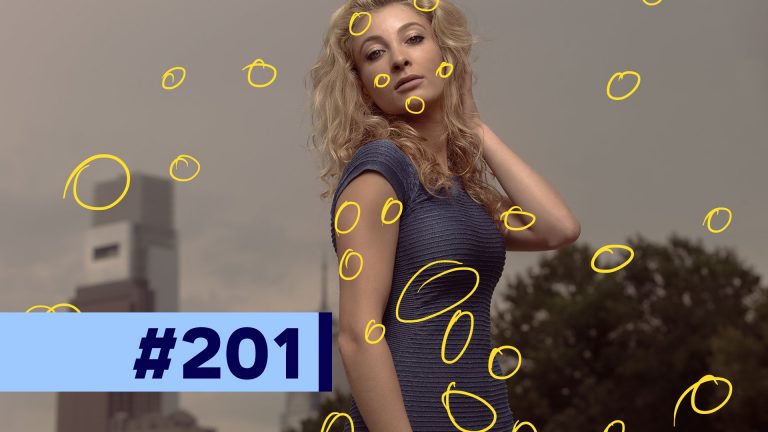
This is part 10 of the 12-part retouching series I’ve been working on and today I want to make a tutorial about a simple, but often overlooked step in a non-destructive image retouch: a DESTRUCTIVE Layer! We’ll create a “catch-all” layer and talk about healing away and little bits and pieces that we notice this deep into the retouching process. It’s simple, but essential!

Check out the written tutorial here: http://tutvid.com/photoshop-tutorials/how-to-retouch-pt-10-benefits-of-destructive-editing/

VIDEO GUIDE:
01:05 Creating the Healing “Catch-All” Layer
01:20 Creating the Notes Layer
02:41 Getting rid of Sensor Spots
03:11 Touching up the Forehead
03:56 Touching up the Dress and Arm
06:18 Ending Thoughts

SEE ALL 12 PARTS!
Part 1: Camera RAW Processing: https://www.youtube.com/watch?v=xlfRoXn20Js
Part 2: How to Liquify & Pushing Pixels: https://www.youtube.com/watch?v=qV7LJzJgPMg
Part 3: How to Retouch the Skin: https://www.youtube.com/watch?v=MtJVPHR5E4A
Part 4: How to Retouch Eyes, Lips, & Eyebrows: https://www.youtube.com/watch?v=wsCM58GAbWk
Part 5: How to Retouch Hair: https://www.youtube.com/watch?v=LmoXgKQRwsc
Part 6: Dodging and Burning the Photo: https://www.youtube.com/watch?v=5tWgz9Pkw3g
Part 7: How to Get Moody Contrast & Tone: https://www.youtube.com/watch?v=N1cBARrXP1w
Part 8: How to Color Grade the Photo: https://www.youtube.com/watch?v=6GXeCV4AExk
Part 9: How to Sharpen the Photo: https://www.youtube.com/watch?v=Qo5JHUFdDns
Part 10: The Benefits of Destructive Editing: https://www.youtube.com/watch?v=iPWyYEibm5c
Part 11: Create Lens Flare and Digital Lighting: https://www.youtube.com/watch?v=RHxgNmxsJbU
Part 12: Tone Smoothing Grain and Finishing: https://www.youtube.com/watch?v=Rj-lFuMt9c8

SNAPCHAT & MORE:
http://instagram.com/tutvid

https://www.facebook.com/tutvid
? tutvid.com

Quickly Learn Dodging & Burning – Photoshop CC

0

Check out another of my videos: “BREAKDOWN: Select and Mask vs. Refine Edge – Photoshop CC”

-~-~~-~~~-~~-~-

Join the discussion and view the tutorial on Tutvid.com: http://tutvid.com/photoshop/quickly-learn-dodging-burning-photoshop-cc/

VIDEO GUIDE:
0:00 Intro
1:03 Start dodging and burning
4:22 Alt/Opt trick with dodge and burn tools
4:56 Smoothing dodging and burning

INSTAGRAM & MORE:
http://instagram.com/endyphoto

https://www.facebook.com/tutvid
https://plus.google.com/+NathanielDodson

DESCRIPTION:
As a photographer and as a digital artist dodging and burning is an essential skill to master. This quick tutorial will dive into getting started with dodging and burning in Photoshop using one of my favorite methods for non-destructive dodging and burning which can be used on a photograph, smart object, or any piece of artwork in Photoshop. There are a number of great ways to dodge and burn with Photoshop and I will have additional methods that I use available as tutorials at some point as well. Join me and let’s learn something new!

HOW TO RETOUCH Pt. 11: Lens Flare & Digital Re-Lighting – Photoshop Tutorial

0

Check out another of my videos: “BREAKDOWN: Select and Mask vs. Refine Edge – Photoshop CC”

-~-~~-~~~-~~-~-

Pick up my image retouching tutorial package ($27) right here: http://bit.ly/support-tutvid

Check out the written post to download a free action right here: http://tutvid.com/photoshop-tutorials/how-to-retouch-pt-11-lens-flare-digital-re-lighting/

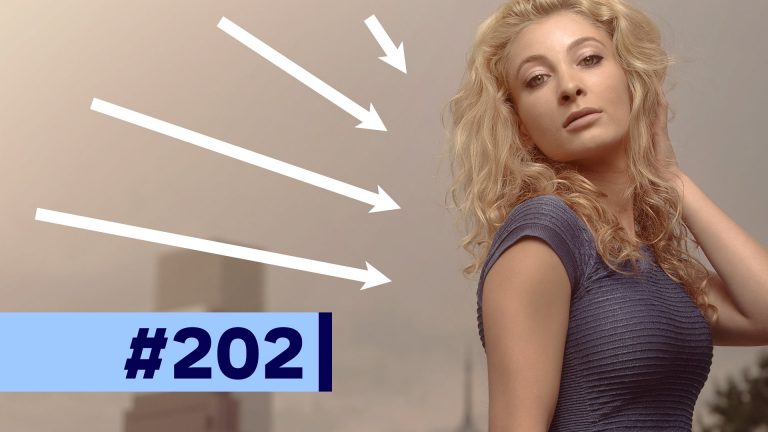
We’re almost finished! It’s part 11 of 12 in this retouching tutorial series and I want to take some time to talk about how I create color haze and lens flares to practically re-light an image digitally and just how it can change the overall look of your image. We already did our color grading so this probably wouldn’t be something I would do to this image if it was for a client, but it’s a great technique that can be very helpful to have and use in your own images.

VIDEO GUIDE:
01:18 Creating First Part of the Lens Flare
02:08 Colorizing the Lens Flare
03:02 Resizing the Lens Flare
03:25 Blend Modes for blending
03:44 Reducing Fill/Opacity Settings
04:21 Scaling the Whole Lens Flare
05:50 Reducing File Size by Cutting the Lens Flare
07:46 Ending Thoughts

SEE ALL 12 PARTS!
Part 1: Camera RAW Processing: https://www.youtube.com/watch?v=xlfRoXn20Js
Part 2: How to Liquify & Pushing Pixels: https://www.youtube.com/watch?v=qV7LJzJgPMg
Part 3: How to Retouch the Skin: https://www.youtube.com/watch?v=MtJVPHR5E4A
Part 4: How to Retouch Eyes, Lips, & Eyebrows: https://www.youtube.com/watch?v=wsCM58GAbWk
Part 5: How to Retouch Hair: https://www.youtube.com/watch?v=LmoXgKQRwsc
Part 6: Dodging and Burning the Photo: https://www.youtube.com/watch?v=5tWgz9Pkw3g
Part 7: How to Get Moody Contrast & Tone: https://www.youtube.com/watch?v=N1cBARrXP1w
Part 8: How to Color Grade the Photo: https://www.youtube.com/watch?v=6GXeCV4AExk
Part 9: How to Sharpen the Photo: https://www.youtube.com/watch?v=Qo5JHUFdDns
Part 10: The Benefits of Destructive Editing: https://www.youtube.com/watch?v=iPWyYEibm5c
Part 11: Create Lens Flare and Digital Lighting: https://www.youtube.com/watch?v=RHxgNmxsJbU
Part 12: Tone Smoothing Grain and Finishing: https://www.youtube.com/watch?v=Rj-lFuMt9c8

SNAPCHAT & MORE:
http://instagram.com/tutvid

https://www.facebook.com/tutvid
? tutvid.com

Grainy Film Effect in Photoshop CC

0

Check out another of my videos: “BREAKDOWN: Select and Mask vs. Refine Edge – Photoshop CC”

-~-~~-~~~-~~-~-

Download RAW files and view the tutorial on Tutvid.com: http://tutvid.com/photoshop/create-film-photo-effect-photoshop-cc

INSTAGRAM & MORE:
http://instagram.com/tutvid

https://www.facebook.com/tutvid
https://plus.google.com/+NathanielDodson

DESCRIPTION:
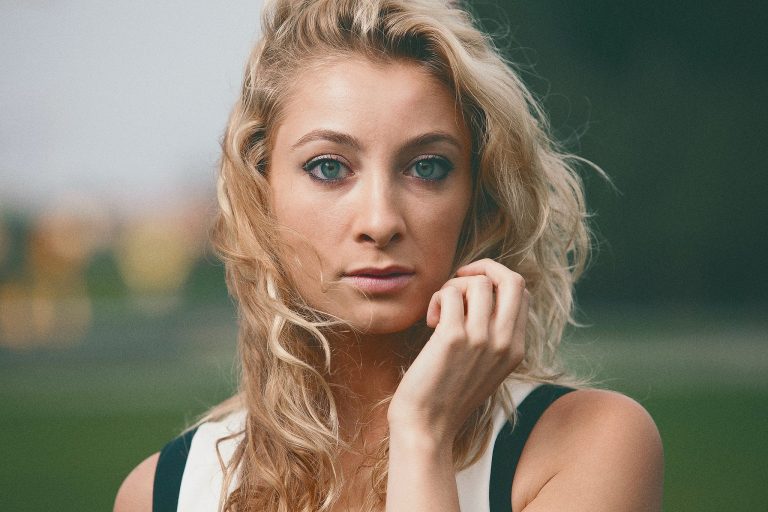
In this tutorial you can download the RAW file and follow along and use a series of Adjustment Layers in Photoshop CC to create a beautiful film photo effect. We’ll talk about getting the tone just right, some skin healing, and all the color grading and adjusting that you will need to create a film effect that will be incredibly adjustable and non-destructive and also be a little different for every image that you apply it to.

HOW TO RETOUCH Pt. 12: Tone Smoothing Grain Layer(s) – Photoshop Tutorial

0

Check out another of my videos: “BREAKDOWN: Select and Mask vs. Refine Edge – Photoshop CC”

-~-~~-~~~-~~-~-

Pick up my image retouching tutorial package ($27) right here: http://bit.ly/support-tutvid

Check out the written tutorial and download my free action for creating this epic grain in seconds right here: http://tutvid.com/photoshop-tutorials/how-to-retouch-pt-12-tone-smoothing-grain-layers/

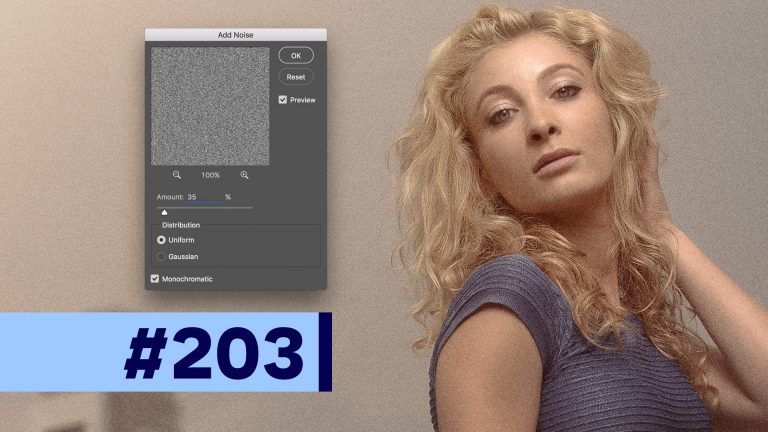
You’ve made it! It’s part 12 and we’re wrapping up this series on how to retouch images in Photoshop. This final step is all about creating realistic grain and how to use it, not as some cheap Instagram grain effect, but instead to smooth the tones in your image and remove digital banding in any blurred edges or gradients in our image. I’ll show you how I mix things up to create grain that is sharp and crunchy and does not look digital at all.

VIDEO GUIDE:
01:22 Noise/Grain to Smooth Banding
01:42 Preparing and Adding Noise
02:22 Randomizing the Grain
03:51 Reducing Opacity to Blend the Grain
05:08 Finishing Things Up
06:19 Ending Thoughts

SEE ALL 12 PARTS!
Part 1: Camera RAW Processing: https://www.youtube.com/watch?v=xlfRoXn20Js
Part 2: How to Liquify & Pushing Pixels: https://www.youtube.com/watch?v=qV7LJzJgPMg
Part 3: How to Retouch the Skin: https://www.youtube.com/watch?v=MtJVPHR5E4A
Part 4: How to Retouch Eyes, Lips, & Eyebrows: https://www.youtube.com/watch?v=wsCM58GAbWk
Part 5: How to Retouch Hair: https://www.youtube.com/watch?v=LmoXgKQRwsc
Part 6: Dodging and Burning the Photo: https://www.youtube.com/watch?v=5tWgz9Pkw3g
Part 7: How to Get Moody Contrast & Tone: https://www.youtube.com/watch?v=N1cBARrXP1w
Part 8: How to Color Grade the Photo: https://www.youtube.com/watch?v=6GXeCV4AExk
Part 9: How to Sharpen the Photo: https://www.youtube.com/watch?v=Qo5JHUFdDns
Part 10: The Benefits of Destructive Editing: https://www.youtube.com/watch?v=iPWyYEibm5c
Part 11: Create Lens Flare and Digital Lighting: https://www.youtube.com/watch?v=RHxgNmxsJbU
Part 12: Tone Smoothing Grain and Finishing: https://www.youtube.com/watch?v=Rj-lFuMt9c8

SNAPCHAT & MORE:
http://instagram.com/tutvid

https://www.facebook.com/tutvid
? tutvid.com